
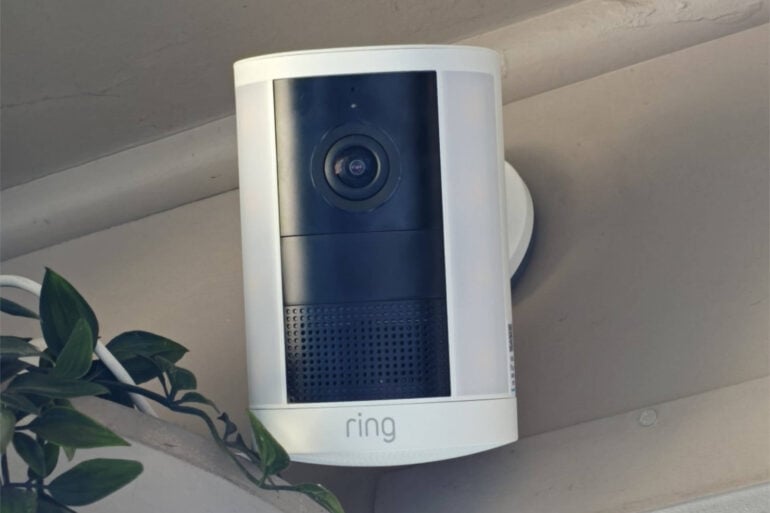
A friend asked me which security camera I should buy, and I realised that after five minutes I had been rambling and not really answering. My advice for a first camera is to choose one that is wireless, easy to use, and has a built-in light. From there, you can learn about cameras, decide what your camera lacks (if anything), and look at other functionality that may improve your surveillance needs. Remember, a wireless camera is also highly portable, so you can move it.
So, with this in mind, is the Ring Spotlight Camera 2K (2nd Gen) the perfect first security camera?
Ring Spotlight Camera 2K (2nd Gen) features
The 2nd Gen Ring Spotlight Camera 2K is a wireless battery-powered outdoor security camera with a built-in spotlight. In the box, you will find the camera, a quick-release battery pack, a USB-C to USB-C cable, a security sticker, and mounting hardware, including screws. The camera is available in black or white.
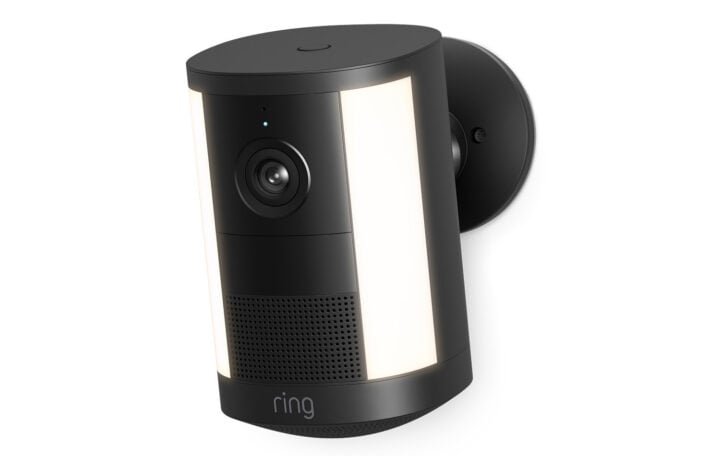
The camera supports 2K resolution, slightly higher than what you’d see on free-to-air TV. In the app, you can digitally zoom up to six times to reveal additional details, such as a number plate. Horizontally, the camera’s field of view is 140 degrees.
LED lights along the sides of this camera switch on if the camera is triggered by movement or manually. The brightness is 550 lumens, which is equivalent to an old-style 40W bulb.
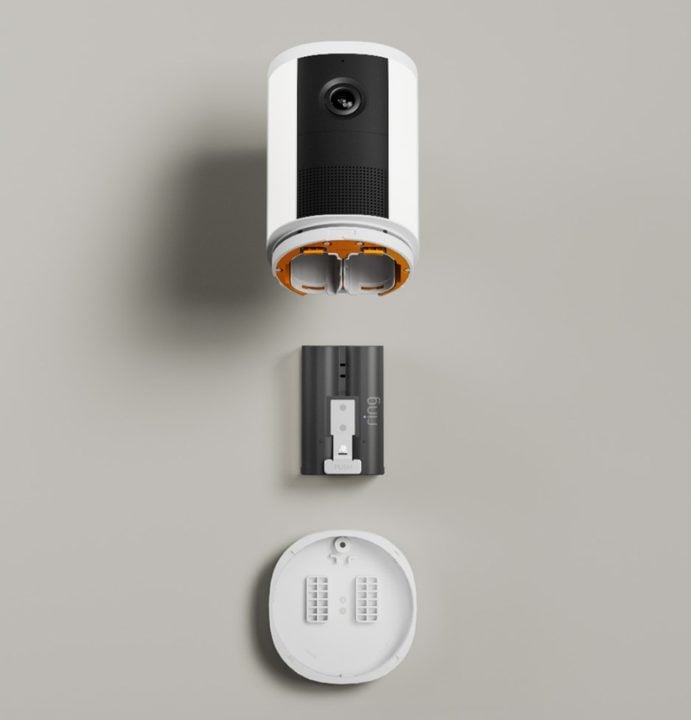
To power the camera, fully charge the included battery. Battery life depends on how many triggers occur and how often it’s used at night, since the light uses more power. Typically, you should expect around three months of average use.
A neat feature is that the camera can support two batteries (but only one is included). This not only allows longer runtime, but also lets the camera keep working while one battery charges. A quick-release mechanism makes this fairly simple, but you will most likely need to climb a ladder. To avoid this, you can power the camera with an optional solar panel or a USB-C cable and mains charger.
Connectivity occurs via your home Wi-Fi network, but this Ring camera only supports the 2.4GHz network band via Wi-Fi 4, quite an old technology by today’s standards. If you are too far away from a router and don’t have coverage, the camera will not work. You can install it on a horizontal or vertical surface, and it should take only 10 minutes.
Once the camera is connected to the internet, you’ll use the Ring app on your smartphone to interact with it. There is no option for local storage, and all recordings are stored on the cloud. Because nothing is stored locally, no one can access your footage if the camera is stolen. With a subscription, Ring keeps footage for up to 180 days, and you can download it anytime for permanent storage. The footage is encrypted, and there is no data limit to the amount stored.
For a single camera, a Ring subscription starts at $49.95 a year or $4.95 per month. If you have multiple cameras, this increases to $149.95 a year ($14.95/mth). Both these plans include alerts for people, vehicles and packages. For intelligent alerts with descriptions and the ability to search videos by text query, the price increases to $299.95 a year ($29.95 monthly).
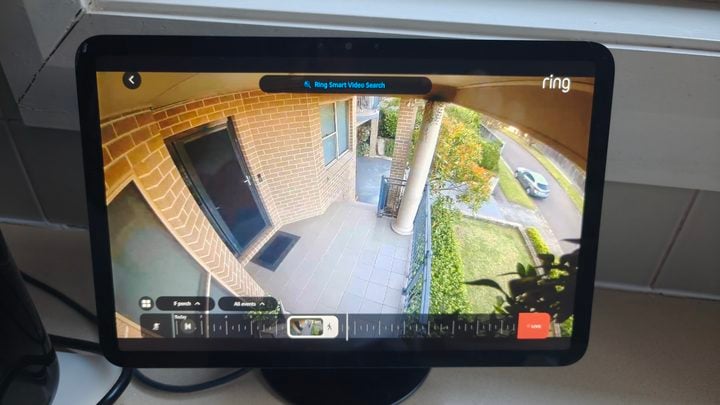
Two-way talk and a siren let you deter or communicate with anyone near the camera. If you have an Amazon Echo product, you can also view images directly from the camera and use it for two-way talk.
Ring Spotlight Camera 2K (2nd Gen) specifications
| Resolution | 2K |
| Field of view | 140 degrees horizontal |
| Networking | Wi-Fi 4 2.4Ghz |
| Dimensions | 12 cm x 8 cm x 8 cm |
| Price (RRP) | $279 |
| Website | Ring Australia |
| Warranty | One year |
Using the Ring Spotlight Camera 2K (2nd Gen)
I have the Spotlight Cam mounted on my front porch. The camera activates when anyone comes up the front stairs or leaves from the front door. There are two advantages: first, it acts as a sensor light to help friends enter and leave the house at night. Second, it provides a security alert and records anyone who comes to our front door.
Ring recommends a minimum broadband speed of 5Mbps for optimal performance. As a new camera, I would have liked to see support for a higher Wi-Fi version, such as Wi-Fi 5 or 6. However, with it using Wi-Fi 4, I haven’t had any connectivity issues.
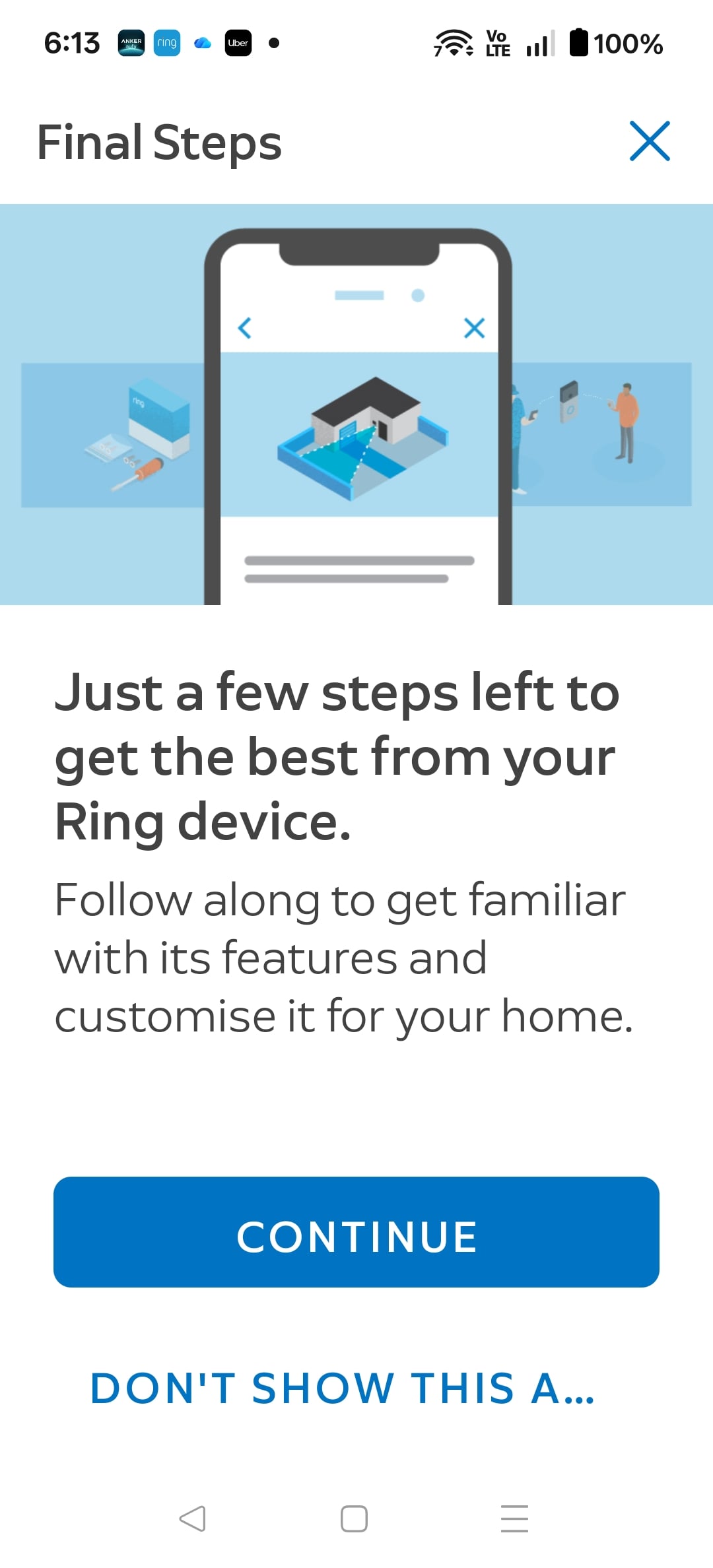
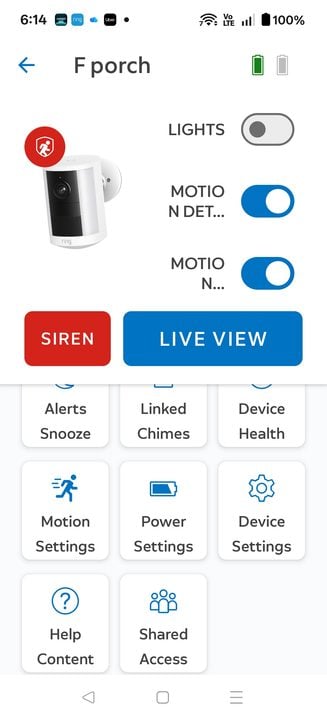
My experience with Amazon products, whether eero routers or Ring cameras, is that they’re easy to set up. Amazon understands that not everyone is a gadget guy, so they make the process intuitive and easy to follow, using everyday language to explain each feature. A Ring differentiator in the setup process is helping you fine-tune the camera so you don’t get too many false alerts, while also protecting your neighbour’s privacy. If you are still having issues, Amazon run an Australian telephone support team that can provide further assistance.
Once you get alerts on your phone, an image of the alert appears on your phone and even your smartwatch, if you allow it. In playback, you can play back any alert, as well as any live view you started, using a simple slider bar. If you have received many alerts, you can use the search function to help you find images, for example, with a parcel or someone wearing a green shirt. In manual mode, you can also activate smart alerts so the system learns and recognises your family’s movements, and you don’t get alerts for things like you coming home from work every day at 6 pm.
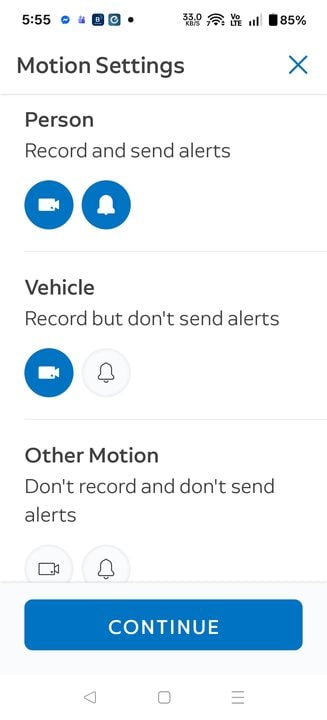
Being able to choose between all activity or alerts for people and vehicles is a great way to minimise false alerts. If you monitor everything, a bush moving can trigger an alert. If your camera faces a street, excluding vehicles stops every car from triggering an alert. You can also exclude areas within the viewable picture from triggering alerts. You can also decide not to have an alert but still record an event, or receive an alert but not record.
Night view is pretty good on this camera but really irrelevant with the light, which gives a much better full-colour image. Ring does offer cheaper cameras without a light, but you always get a better result with one, even if you will have to recharge the battery more often. Two-way audio also works well.
Who is the Ring Spotlight Camera 2K (2nd Gen) for?
If you’re thinking about a security camera and aren’t sure where to start, or you’re not overly technical, the Ring Spotlight Camera 2K (2nd Gen) is an excellent place to begin. You may evolve to other products in the Ring range for different functionality, but this camera is easily movable and, with its spotlight, will find its ideal home.
I really like the Ring ecosystem, with cloud support that, through the subscription, enhances the simplicity of the security solution.
The post Ring Spotlight Camera 2K (2nd Gen) review: Clear all-day vision appeared first on GadgetGuy.


0 comments:
Post a Comment