
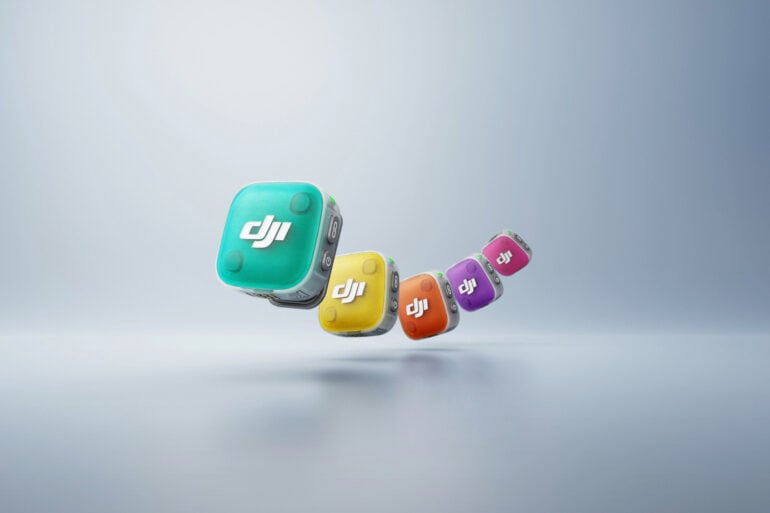
Lots of people are creating content these days, and there’s nothing worse than crappy sound to ruin an otherwise good video. The DJI Mic Mini 2 is aimed squarely at creators who want to lift their audio game without spending too much or wrestling with controls they don’t need. It’s small, it’s cheap, and it’s easy – and at $149 in Australia for the full two-transmitter kit, it’s priced to move.
I wanted to know what version 2 adds over the Mic Mini 1, and whether it’s worth the upgrade, so I started shooting some videos with it.
Table of contents
- Specifications and price
- The mics
- The case
- Connectivity
- In use
- How it compares
- Who is the DJI Mic Mini 2 for?

DJI Mic Mini 2 specifications and price
| Transmitter weight | Approx. 11g (excl. clip and magnet) |
| Polar pattern | Omnidirectional |
| Frequency response | 20Hz–20kHz (100Hz low-cut option) |
| Max SPL | 120dB SPL @1% THD |
| Wireless | 2.4GHz GFSK, up to 400m line-of-sight |
| Bluetooth | 5.3 (direct-to-phone) |
| Voice tone presets | Regular, Rich, Bright |
| Noise cancelling | Two-level (Basic / Strong) |
| Battery | TX approx. 11.5h, RX approx. 10.5h, up to 48h with case |
| Price (AU) | From $49 (TX) / $89 (1 TX + 1 RX) / $149 (2 TX + 1 RX + case) |
| Official website | DJI Australia |
The mics
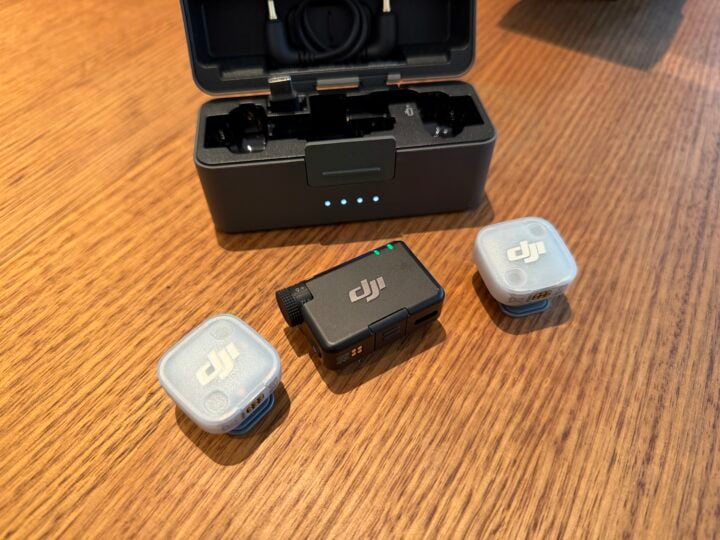
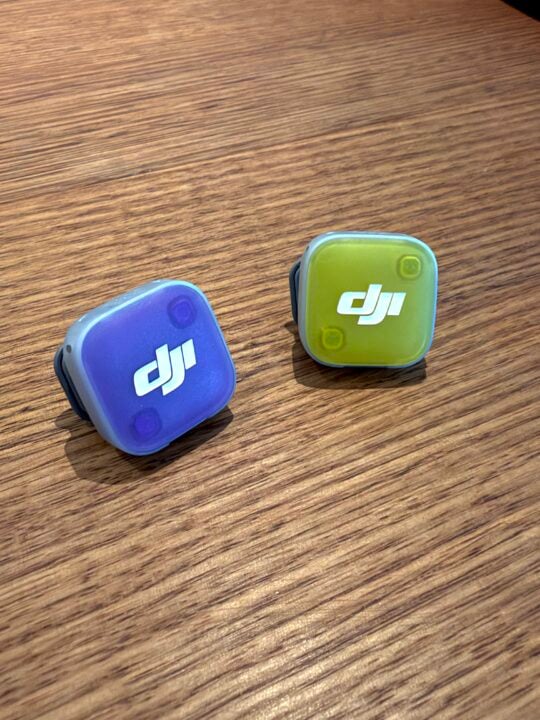
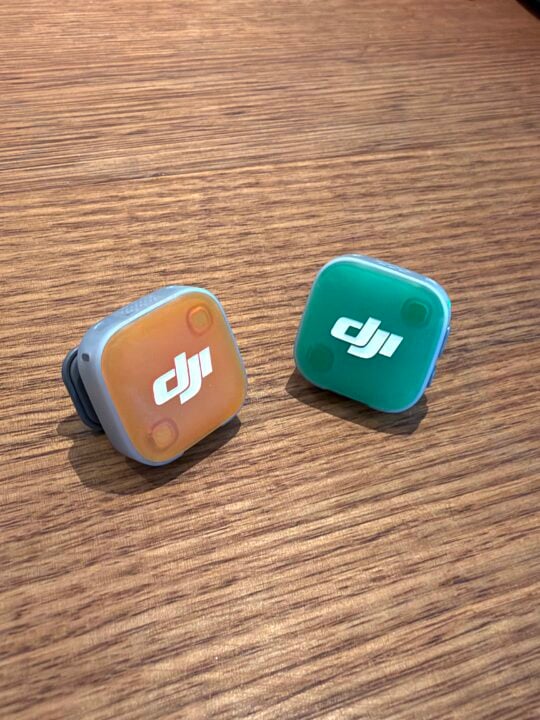
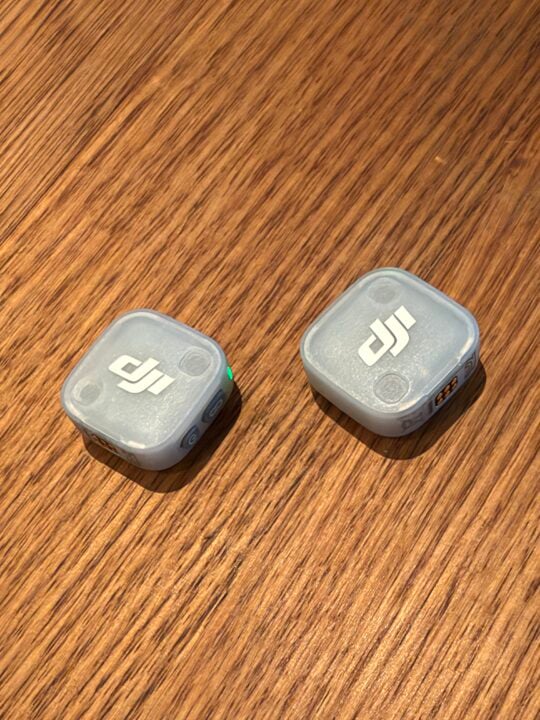
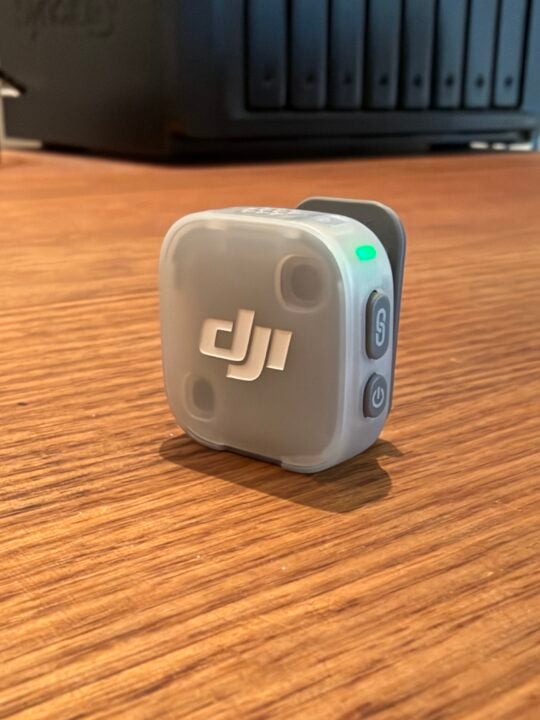
The transmitters are nice and small – about 11g each – and I like that the clip is also a magnet, so you can pull it off, put it on the inside of a shirt, and rely on the magnet to hold it in place. No fiddling with a separate magnet that’s otherwise very easy to lose. The snap-on colour covers are a genuinely nice touch too; there’s nothing worse than an ugly mic clipped to your collar on camera. Good that there’s a range of colours, and I like that they’re held on magnetically.
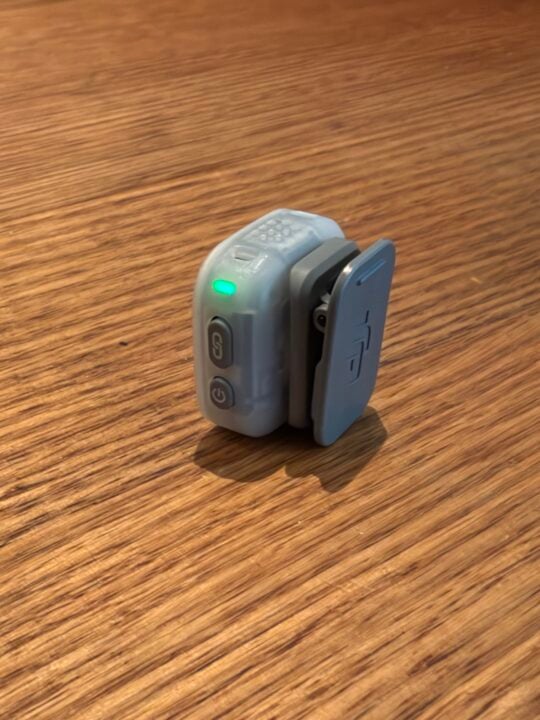
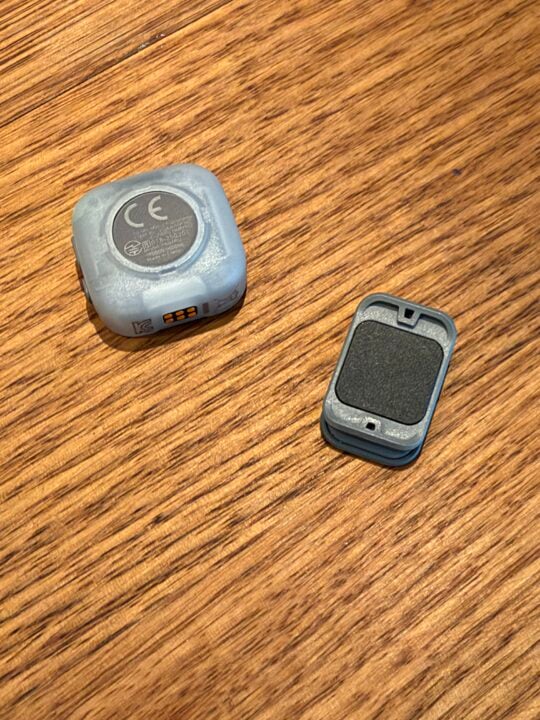
My ongoing gripe: the Mic Mini 2’s transmitters have built-in mics only, so you still can’t run a lavalier from them, so what you see is what you get. (If you want to run a lav from the transmitters, you’ll need to go for the fully-fledged DJI Mic 2s, but this capability is gone on the Mic 3s.) At least the units are small, but it would be better if the colourful covers didn’t have DJI’s logo on them. Thankfully, however, the little transmitters are not decked out like a Christmas tree with a myriad of flashing red, blue and green LEDs.
The case
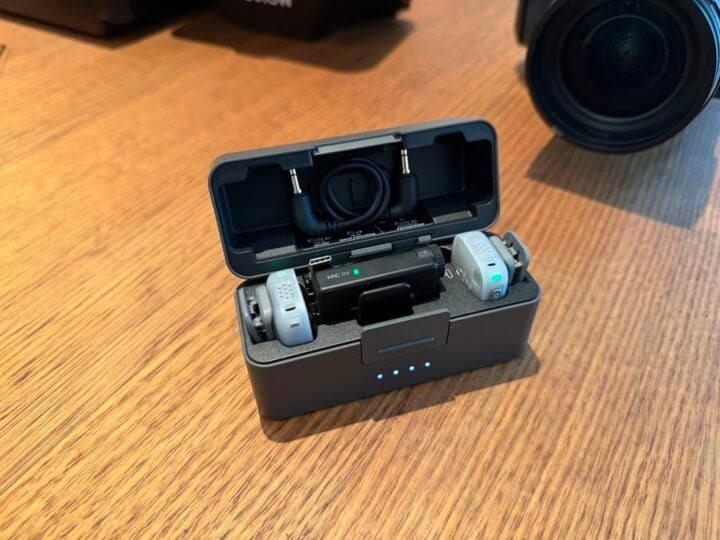
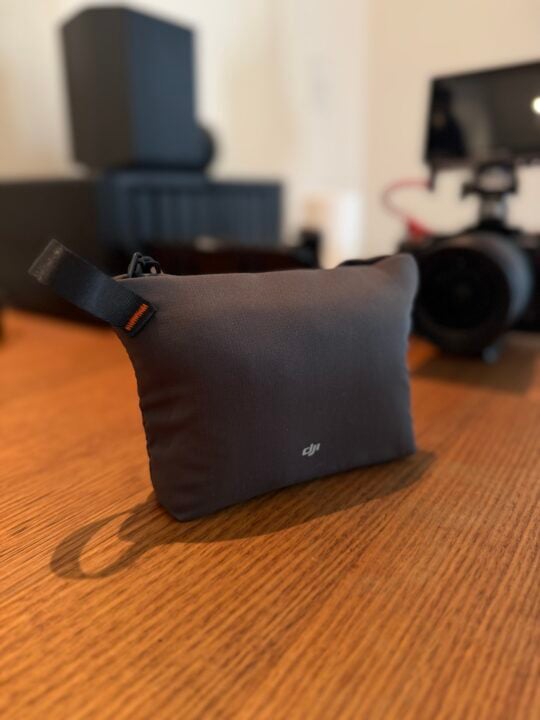
The compact charging case is a highlight. Everything you need is included, right down to a handy spot to tuck the 3.5mm cable. I like that there are charge-indicator lights on the case, unlike some other brands that make it harder to know the charge state at a glance. The case itself is robust and offers decent protection, and it’s what gets you to that quoted 48 hours of total runtime.
Connectivity
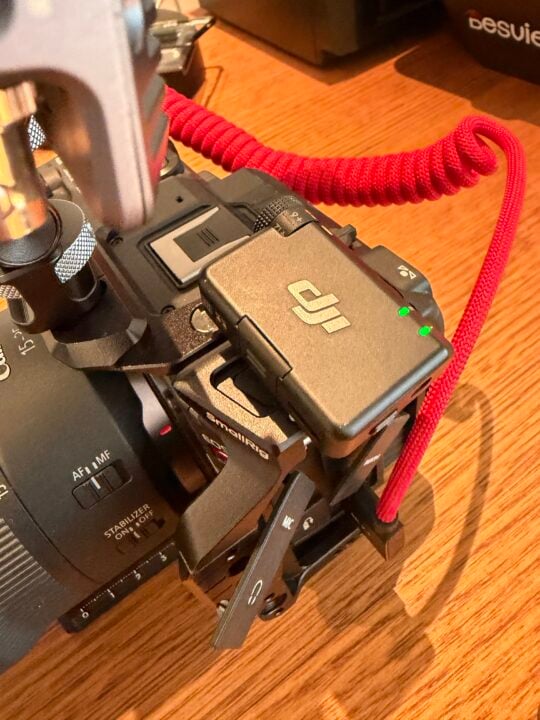
There’s a good spread of connection options here. You can go direct to a phone over Bluetooth, plug the receiver into a camera, or use the USB-C attachment for phones, and the receiver will connect to a PC or Mac over USB-C as well. It’s flexible enough for most workflows.
A couple of small gripes about the receiver’s design are that there is a small cover on the bottom that you remove to attach the USB-C adaptor, and this is very easy to lose. Also, the hinged cold-shoe attachment is made from thin plastic and could be prone to breaking over time.
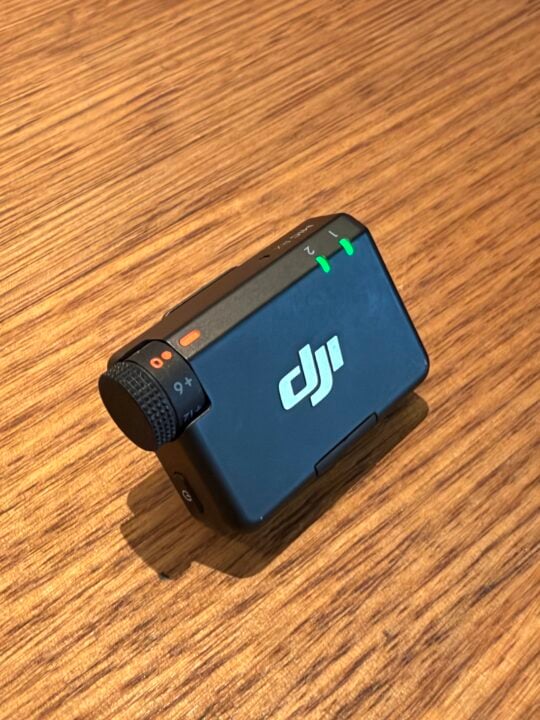
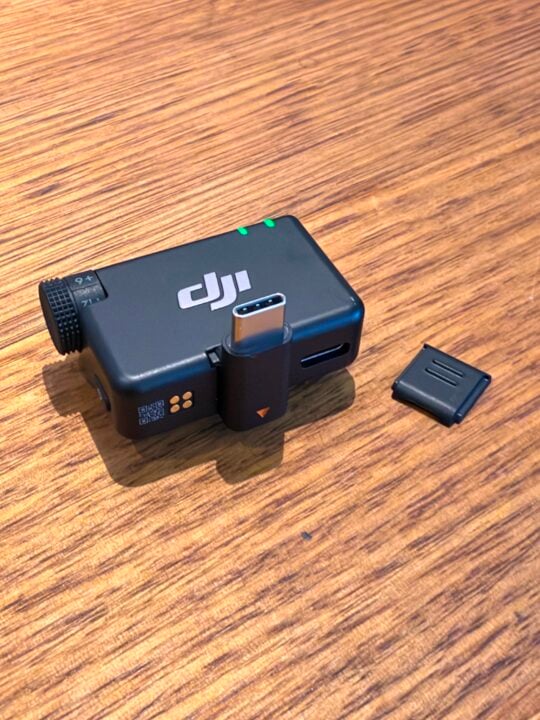
Unlike the Mic 3, there’s no on-device screen – you get a dial and buttons, and you can adjust settings like voice tone and noise cancelling on the hardware, but finer settings like audio limiting will need to be made in the DJI app.
The 2.4GHz link is fine over longer distances (DJI quotes up to 400m line-of-sight), but it won’t be robust enough for super RF-noisy places like a busy trade show, a media scrum, or anywhere there’s a lot of electronics going on. And there’s no internal backup recording on the transmitters, so there’s no safety net if the wireless link drops.
In use
It’s nice to have a few voice tone presets – Regular, Rich and Bright. They’re fairly subtle, and you can choose to do this kind of shaping in your editing app instead, but they’re handy for anyone who wants to sound ‘bright’ straight out of the box and not dial it in later. I like that you can set the tone mode separately on each transmitter, just in case your on-mic talent need their own voice adjustments.
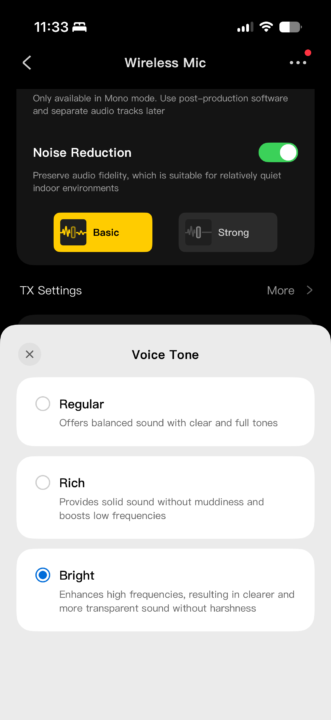
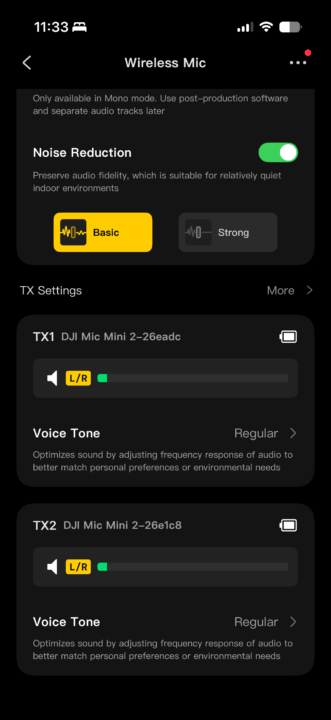
Personally, I’d still rather make my audio adjustments and noise reduction in my editing software, where I have more control, but the people this mic is aimed at probably won’t want to, and for them the on-board processing does the job nicely.
The two-level noise cancellation is genuinely useful: it gives you a heavier option in really noisy places, and I found it effective without that horrible ‘tinny’ processed sound. Battery life was great, and I didn’t come close to running it flat, with a solid day’s worth of shooting.
The DJI Mimo app is well designed and easy to navigate, allowing me to check the individual battery levels on the mics and receiver, as well as update the firmware.
There’s an option too for a safety track recording if you want to be completely sure there will be no audio clipping in very dynamic or noisy environments.
How it compares
| DJI Mic Mini 2 | DJI Mic Mini (v1) | Rode Wireless Micro | |
|---|---|---|---|
| TX weight | ~11g | ~10g | Ultra-light |
| Max SPL | 120dB | 120dB | 135dB |
| Equivalent noise | ~24dBA | ~24dBA | 21dBA |
| Voice tone presets | Yes | No | No |
| Range | Up to 400m | Up to 400m | Over 100m |
| Battery w/ case | ~48h | ~48h | ~21h |
| Internal recording | No | No | No |
| Price (AU, kit) | $149 | From $63 | ~$170 |
The obvious rival is Rode’s Wireless Micro, which is a touch cleaner on paper (higher max SPL, slightly lower noise floor) and comes with Rode’s polished app and a five-year warranty. However, the Rode is simpler, with shorter battery life and no on-device tone presets. Hollyland’s Lark M2 is the other budget option worth a look. Step up to the DJI Mic 3 or Rode Wireless PRO, and you get 32-bit float and internal recording, but you’ll pay a lot more for the privilege.
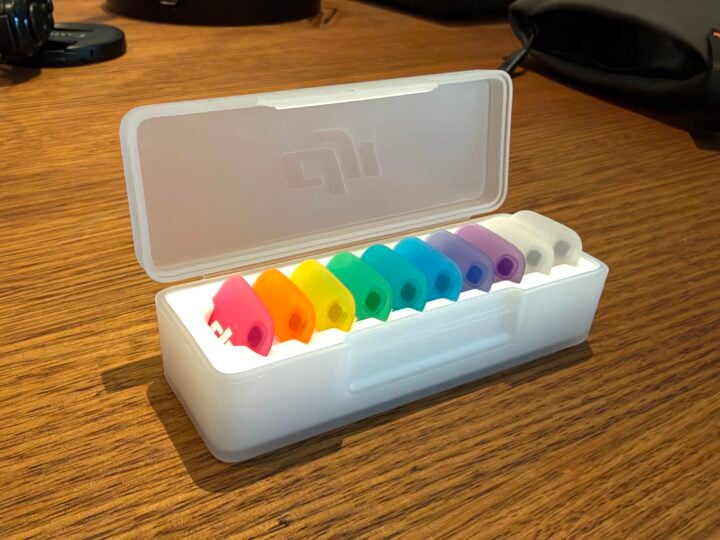
Against the original Mic Mini, the upgrades are real but modest: the voice-tone presets, the swappable magnetic colour covers and a new mobile charging-case option. Everything else, including the 11g weight, 400m range, 48-hour case, two-level noise cancelling and OsmoAudio direct connection, carries over.
Who is the DJI Mic Mini 2 for?
The Mic Mini 2 is great for what it sets out to do, but it’s not a massive upgrade over the Mic Mini v1, as most of what’s new sits in the ‘nice to have’ column. If you already own the original, there’s little reason to jump. But for a first-time buyer, this is an easy, affordable, great-sounding little kit. I’d recommend going for the charging-case bundle, so you’ve got everything you need in one package – and at $149, that seems very reasonable.
AUD $149 for the 2 TX + 1 RX + charging case kit. Single-transmitter kits start lower, from $49 for a transmitter and $89 for a 1 TX + 1 RX set.
Not really. The main additions are voice-tone presets, swappable magnetic covers and a mobile charging case, while core performance stays much the same.
No. The Mic Mini 2 transmitters have built-in mics only, with no external lavalier input.
No. There is no on-board recording, so there is no safety track if the wireless link drops.
GadgetGuy occasionally uses affiliate links and may receive a small commission from purchased products.
The post DJI Mic Mini 2 review: Is it really better than the original? appeared first on GadgetGuy.


0 comments:
Post a Comment