
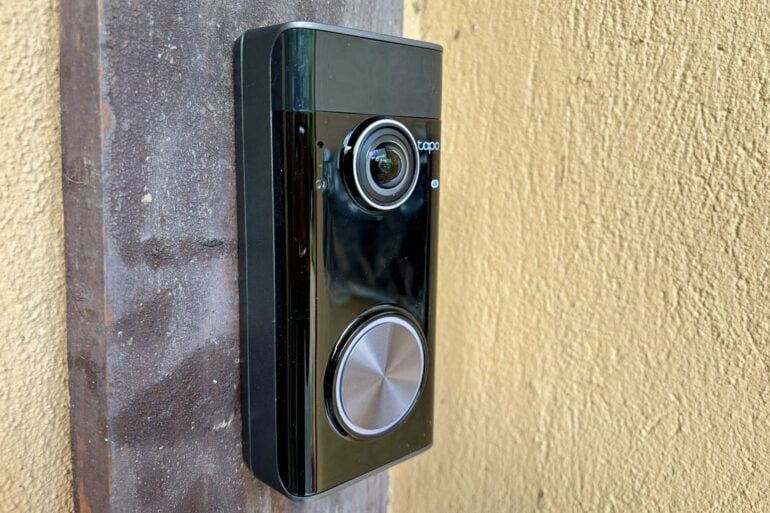
Stepping up to 4K resolution while reducing the need for a subscription, the Tapo D260 Doorbell Pro keeps a sharp eye on your doorstep.
The jump from 2K to 4K resolution offers a much clearer view of what’s happening in your front yard, but the initial trade-off was that 4K video was limited to hardwired smart doorbells running on AC power.
Thankfully, 4K resolution is trickling down to battery-powered smart doorbells. They’re easier to install than hardwired models, which is especially handy if you’re renting. In return, you need to occasionally recharge the battery.
The new $399 Tapo D260 Doorbell Pro joins the $399 Ring Battery Video Doorbell Pro (2nd Gen) and $199 Swann Buddy4K Video Doorbell in making 4K resolution available when running on a built-in battery.
First impressions
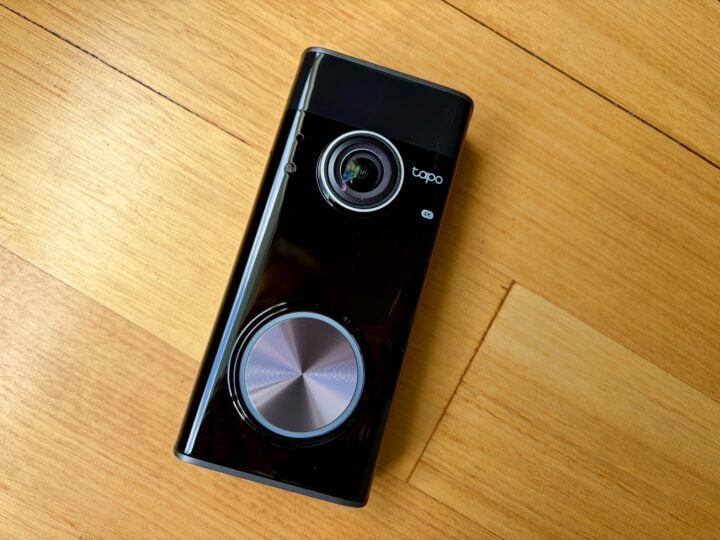
At first glance, the Tapo D260 Doorbell Pro looks a lot like a Ring doorbell, which is not a bad thing considering Ring makes great doorbells. The all-black design and large button are a little chunky, but it still looks more at home on the front of your house than some smart doorbell designs.
You’ve got the choice of attaching it to your existing doorbell wires to run on AC power, or relying on the built-in battery. If you’re not wiring the doorbell to an existing indoor chime, you’ll likely want to invest in Tapo’s indoor chime or HomeBase hub like the Tapo H500, which can also act as a chime.
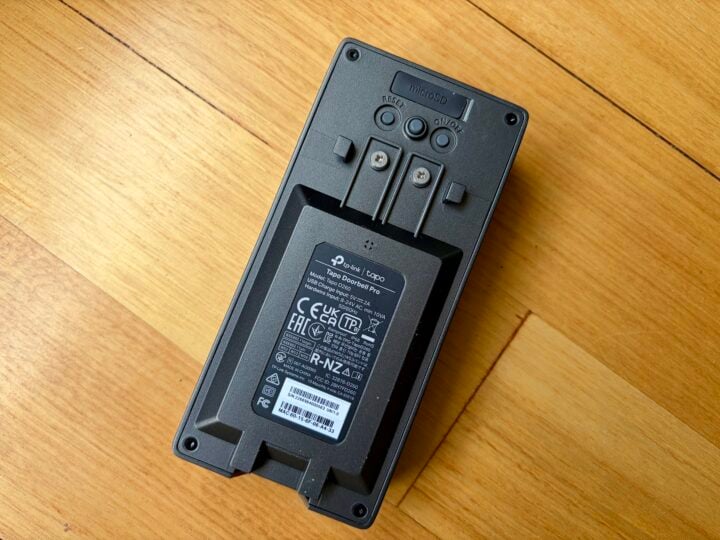
Either way, it’s best to install the doorbell about 1.2 metres off the ground, so you get a good view of people’s faces walking towards the house.
Tapo’s variety of mounting options is very impressive. Firstly, there’s the choice of mounting screws or renting-friendly adhesive pads for attaching the wall bracket to your house. The doorbell then clips onto the wall bracket, so it can be easily removed for charging via USB-C.
The mount is easier to screw to the wall than some doorbells I’ve tested. Even so, I always recommend installing a smart doorbell during the day, with something underneath to catch dropped screws. Trust me, you don’t want to hunt around for lost screws in the garden bed after dark.
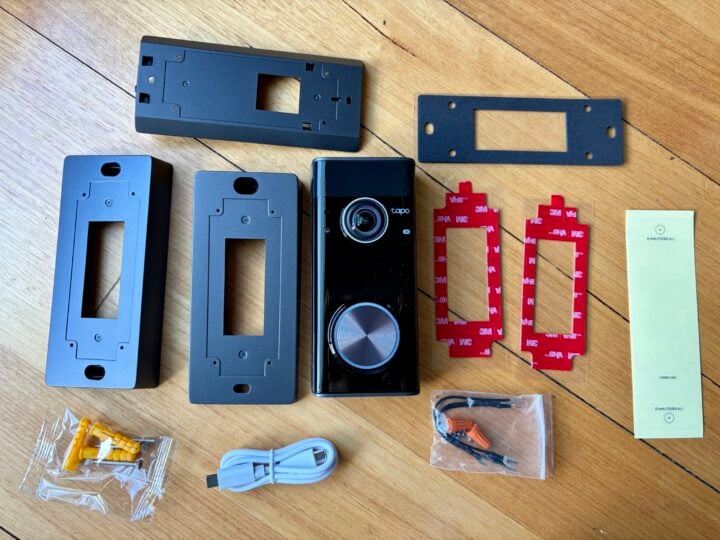
Similar to Ring’s smart doorbells, there’s a 15-degree horizontal wedge in the box that angles the doorbell to one side, rather than having it face straight ahead. That’s handy if you’re installing it in an alcove, so you see less of the adjacent wall and more of your front yard.
Unlike Ring, Tapo also includes a 5-degree vertical wedge, in case you need to angle the doorbell slightly down. It’s not really designed to use both wedges at the same time, but you might manage it if you switch to longer screws.
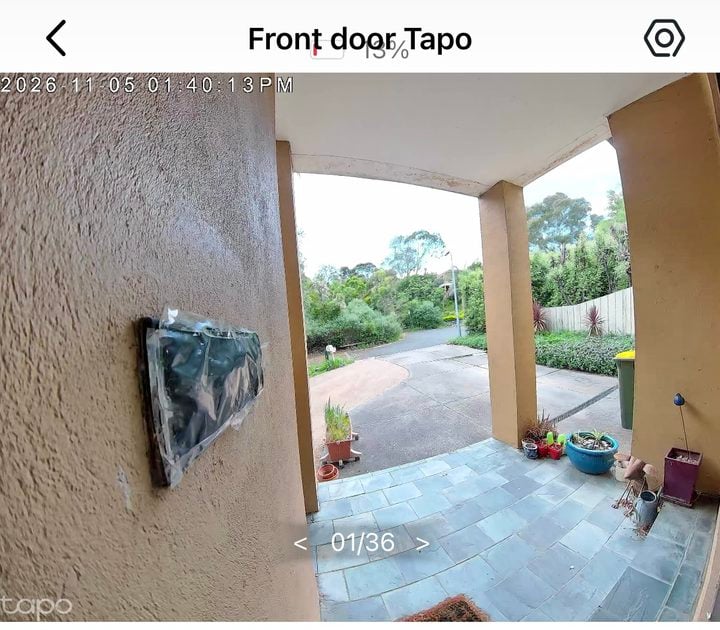
That vertical wedge could be important if you’re keen to see parcels on your porch, because the Tapo D260 Doorbell Pro’s vertical viewing angles aren’t fantastic.
While the camera lens offers a 180-degree “diagonal” field of view, its vertical field of view is roughly 120 degrees. This means you can’t see anything on the ground closer than 60 centimetres to the doorbell. In comparison, the second-gen Ring Battery Video Doorbell Pro’s 140-degree vertical field of view reduces this blind spot to around 30 centimetres.
In return, the Tapo offers a wider horizontal view than Ring for seeing what’s off to the side. So it all depends on which view is more important to you.
Tapo D260 Doorbell Pro specifications and price
| Dimensions | 140.5 x 65.2 x 36.2mm |
| Weight | 305.8gm plus wall mount |
| Lens | Focal Length: 1.97mm Aperture: F1.83 Field of View: 180° (Diagonal) |
| Video | 4K, 15 fps (H.264/H.265) 28.5x digital zoom |
| Night vision | Infrared Night Vision 10m Full-Color Night Vision |
| Audio | Two-Way Audio with Noise Cancellation |
| Siren | 94 dB (Level measured at 10-cm distance) |
| Motion detection | Dual Motion Sensor, PIR Sensor1x Ambient Light Sensor1x Radar Sensor |
| Wireless | 2.4 GHz & 5 GHz Wi-Fi |
| Battery | Built-in Rechargeable Lithium-ion Battery 5.0 V, 2.0 A, Type-C charging |
| Storage | SD card, network storage using HomeBase, or Tapo Care Premium subscription for 30-day cloud storage |
| AC Power | Hardwired(8~24V AC) |
| Weatherproof | IP66 -20℃~45℃ |
| Body colour | Black |
| Price | $399 RRP |
| Warranty | 1 year |
| Official website | Tapo Australia |
Features
Setting up the Tapo D260 Doorbell Pro is very straightforward using Tapo’s iOS or Android app. It connects to 2.4 or 5 GHz networks, with the set-up videos offering advice on the best placement.
After the doorbell is up and running, you can configure alerts, motion sensitivity, detection zones, privacy zones and facial recognition, all of which help reduce false positives and conserve battery.
Detection zones are especially useful if you only want to be notified when someone walks down your driveway, and not when people and vehicles simply pass by.
Along with detecting general movement, you can set the doorbell to watch for people, animals, vehicles and packages. It can even recognise individual faces if you upload someone’s pic from your phone, using onboard AI rather than sending it to the cloud.
There’s a lot of granular control, such as the ability to set individual detection zones and sensitivity levels for each of the different event notifications.
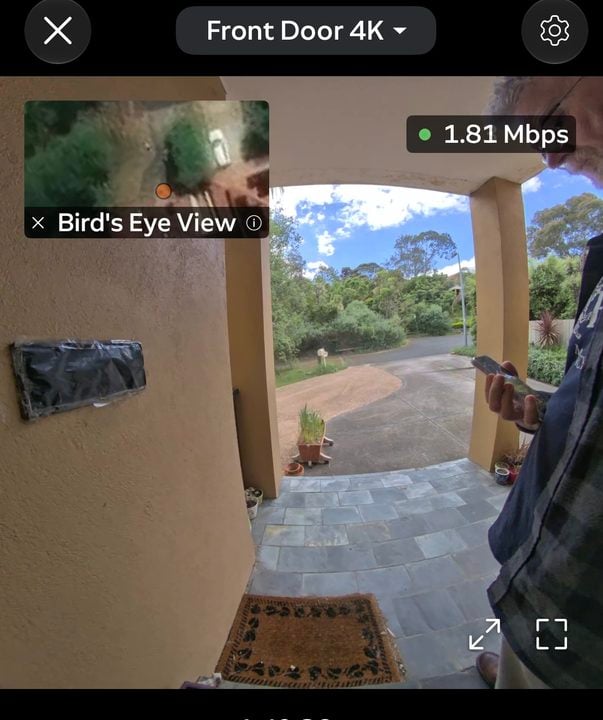
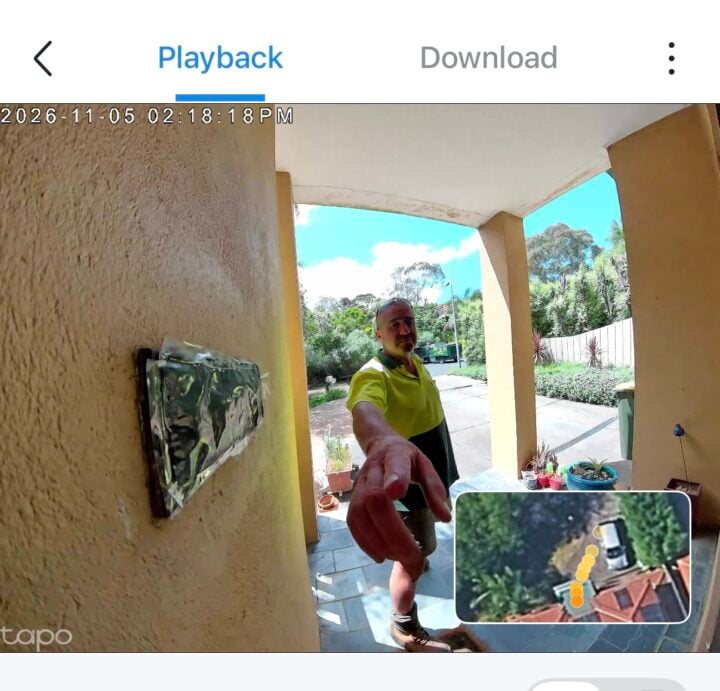
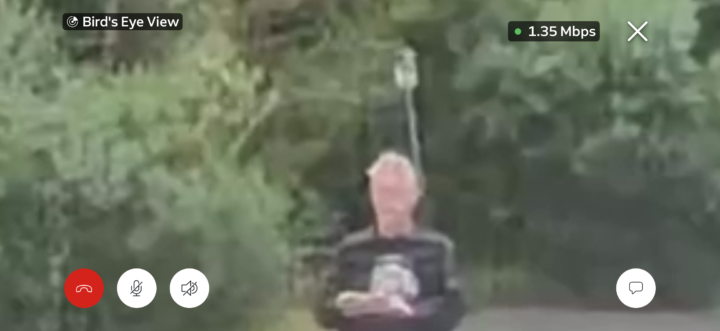
Enabling the onboard radar offers more precise movement detection, although this limits the range to 9.1 metres. There’s also an optional simulated top-down view which shows how a person has moved across your property, similar to Ring’s Birds Eye feature. It’s a nice novelty, but doesn’t really show you anything you couldn’t see through the camera view.
You can further save power by only recording video when someone presses the button, but to me that defeats the purpose.
I like to set smart doorbells so that pressing the button sets off both the indoor chime and a smartphone alert, while motion detection only triggers a smartphone alert. That way, everyone in the house knows if someone rings the bell, plus I know if a courier has done a drop-and-run on the porch.
By default, a doorbell press rings the Tapo app on your phone like an incoming call, with voice masking for answering unknown visitors. Thankfully, you can disable this in favour of just receiving a notification.
Night vision includes the option to trigger on a built-in spotlight when someone rings the doorbell, although that’s not necessary if you have a porch sensor light. You can also trigger a siren to scare off people lurking in the shadows.
Like the Ring Battery Video Doorbell Pro (2nd Gen), the Tapo D260 Doorbell Pro’s pre-roll feature is only available when running on AC power. It adds an extra four seconds of video leading up to an event, so it’s easier to see exactly what happened.
It’s frustrating that there’s no option to enable pre-roll with warnings that it will shorten the battery life. To be fair, the Tapo D260 Doorbell Pro seems to react quickly to events.
It’s great to see that the doorbell takes an SD card for storing videos to watch remotely, or you can use the $79 Tapo H200 hub or $249 Tapo H500 hub for local video storage.
Alternatively, you’ll need to pay for Tapo Care Premium if you want to watch video replays from the cloud and access some advanced features. The doorbell can also connect to the Google, Alexa and Samsung smart ecosystems.
The Tapo Care plan structure has changed; now AI-powered detection of motion, people, faces, animals, vehicles and packages is included with the free plan. Stepping up to Tapo Care Premium adds 30-day cloud video storage and thumbnail previews in notifications.
While extra free features are appreciated, normally it would be unlikely to make a difference, considering that most people would still want to pay in order to see video replays and not just a live view from the doorbell.
The fact you can avoid this with the D260 Doorbell Pro by using an SD card or Tapo hub for video replays is great when money is tight these days. That said, thumbnail previews on your smartwatch are also very useful for checking at a glance.
It’s worth mentioning Tapo offers a very wide range of smart home gear that can be covered by your Tapo Care Premium plan. It starts at $5.99 p/m ($55.99 p/a) to cover one device and goes up to $18.99 p/m ($189.99 p/a) to cover 10 devices.
It’s something to consider if you’re looking to simplify your smart home and reduce your number of subscriptions. That said, the Tapo Care tiers and pricing structure are different in the US, charging extra for AI featues. There’s no indiciation of if or when this change might come to Australia.
Quality
The Tapo D260 Doorbell Pro is quick to deliver notifications to your phone when you’re away from home, which is important if you want to talk to someone before they walk away.
The lack of pre-roll video on battery mode is frustrating, but thankfully the recording kicks in immediately when someone walks within range. The lack of lag means you’re less likely to miss something important.
While people and vehicle recognition seems reliable, AI facial recognition is a bit hit and miss. That would partly come down to the quality of the image you supply and partly to how good a view the camera gets of someone’s face as they walk towards the door.
The 28.5x digital zoom is available during live view and when watching replays. At full zoom, it offers a slightly clearer picture than the 4K Ring Battery Video Doorbell Pro (2nd Gen), if you’re trying to make out blurry faces at a range of nine metres. In return, the Ring offers much better contrast in difficult lighting conditions.

Who is the Tapo D260 Doorbell Pro for?
Sharp 4K resolution when running on batteries, along with flexible mounting options, make the Tapo D260 Doorbell Pro a great way to keep an eye on your doorstep from afar.
The number of advanced features included in the free plan is a real bonus, especially when you can invest in an SD card or Tapo hub rather than pay the ongoing subscription just to access video replays.
The post Tapo D260 Doorbell Pro review: Keep watch from your front door appeared first on GadgetGuy.


0 comments:
Post a Comment