
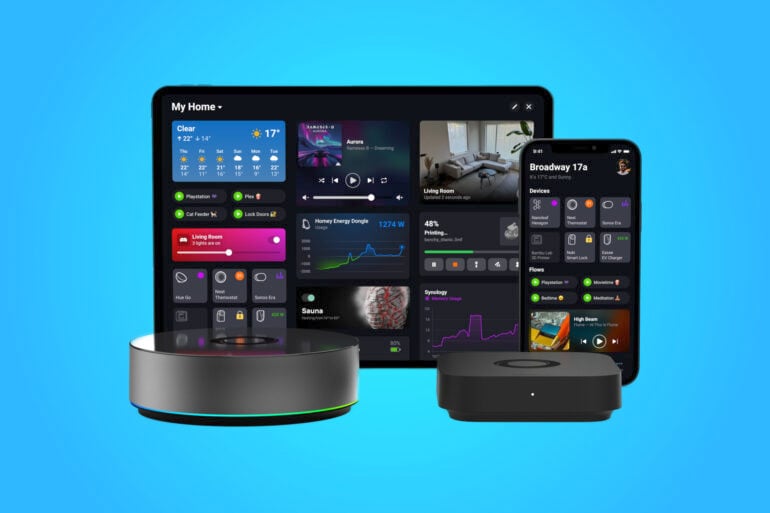
Six months ago, I started down the path of creating a smart home where I can control everything from lights and cameras to garage doors and blinds. I then started taking this a step further with automations. An automation I have, for example, in my family room is to shut the blinds and turn the lights on at sunset.
There is, however, one key issue when trying to automate a home. That is, you end up with smart products from different brands, each with its own app. This makes it difficult to have, for example, a security camera that detects movement and triggers all the outside lights around a house to switch on.
My first attempt at overcoming this challenge was to use Google Home and, subsequently, Amazon Alexa smart home functionality to provide cross-brand control. This works and not only gives you voice control but also limited app control. Being a ‘Gadget Guy’, I wanted more.
Then I learned about an open-source solution called Home Assistant, which offers everything you could possibly want. If something isn’t possible yet, chances are someone is already building a solution and adding to its open-source capabilities. This flexibility and possibility, however, come at a cost: a home assistant can be difficult to set up for the non-technical, and unlike a branded product you buy, there is no care and no responsibility, so if something does not work or functionality stops, you are on your own.
Getting smart homely with Homey
My next port of call has been a gadget I only recently learned about called Homey Pro. This is a product you can buy, and not only is it a brand, but it is also one that the international appliance brand LG liked so much that it bought the company.
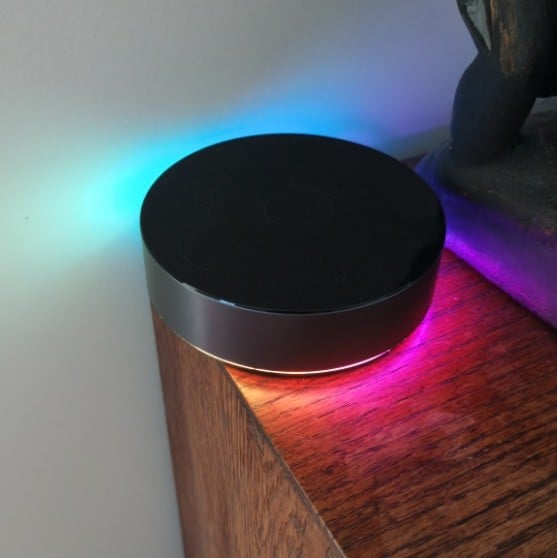
A Homey Pro is a smart home platform where everything runs locally, and there is no cloud subscription. You can buy a Homey Pro for $699, a physical device you run in your home. You can try Homey via a free cloud service (Homey Cloud), which will support up to five devices. Beyond this, you pay approximately $5 a month to connect more devices. Note that the cloud version cannot connect directly to devices unless you buy an optional $120 bridge.
The Homey Pro supports all the smart wireless technologies, including Wi-Fi, Z-Wave Plus, Bluetooth, Zigbee, 433 MHz, infrared, Thread and Matter, enabling compatibility with over 50,000 popular smart devices and services. You will find official and community apps that you can run on your Homey to connect to and interact with your smart devices. By ‘official’, I mean that brands like Philips, with its Hue smart lights ecosystem, have endorsed the app. Meanwhile, a community app is one that someone has created for a brand that has yet to be officially endorsed.
How does the Homey Pro work?
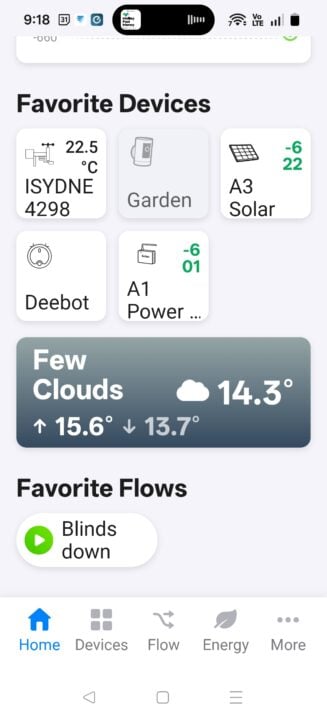
To set up the Homey Pro, you add apps, connect your devices, and then start to create customisable dashboards and automations. Some of the things you can have on a dashboard include a weather forecast, a live feed from a camera of your front yard, a button to turn off all the lights in your house, a measurement of how much power you are consuming from the grid, etc.
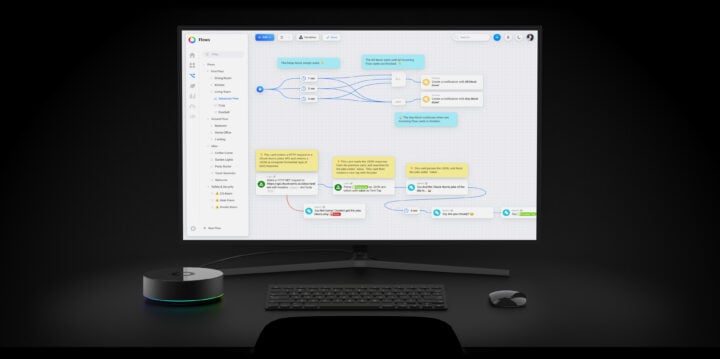
An automation, or, as Homey calls it, a ‘Flow’, lets you set different parameters, like ‘when’, ‘and’, and ‘then’ conditions. For example, when the sun sets, and you are home, then the automation shuts the blinds, turns the lights on, and turns on the TV. There is also an Advanced Flow that lets you visually map out the logic like a flowchart, making your automations even more powerful.
The Homey Pro also works with Google Assistant, Amazon Alexa, and Siri Shortcuts, further providing whole-home integration. Beyond controlling devices, the Homey Pro can also present insights such as temperature graphs, rain aggregates, or historical power usage.
As a user, I am a long way away from creating advanced flows and am still at the basic level. The setup of all your devices, which in my case I have a lot of, takes time, and then the setup of flows, etc. But once you have them set up, you can be confident you can back up your configurations and have the support of a brand.
I am enjoying tinkering with it all, and my only disappointment so far is that the way I measure my solar, via a Refoss voltage clamp, does not appear in the built-in energy graphs. I am confident there is a solution, but I have just not found it yet.
If you have gone down the smart home path and found it does not do what you thought it would, the Homey Pro might just be the answer. It brings together all your separate smart home devices and lets you control them from a single central interface, without being too technical to set up.
The post How Homey provides one dashboard to automate your home appeared first on GadgetGuy.


0 comments:
Post a Comment