
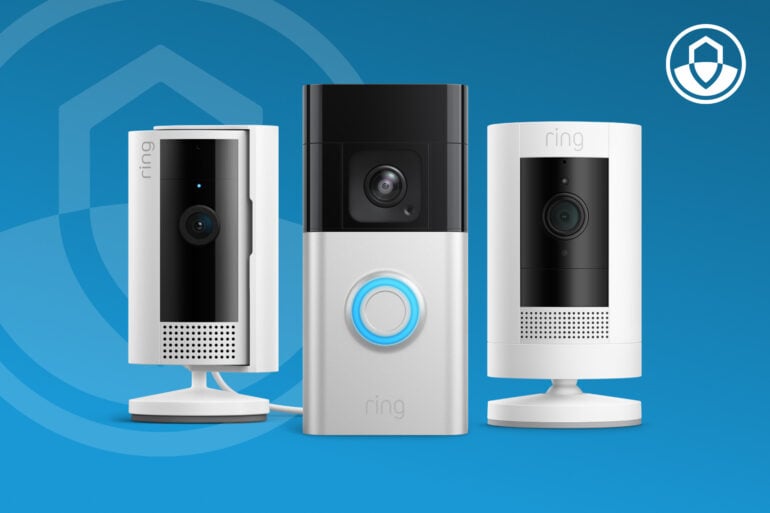
Got a Ring video doorbell or security camera, but haven’t looked into Ring Protect yet? Then you probably know ‘the buzz’. Your phone goes off, you open the app to check, and… it’s just you, pulling into the driveway. The standard Ring app is built so you never miss movement at your door, but Ring Protect adds the smarts to tell you which movement matters.
In case you’re a non-Ring owner but still security-curious: Ring is the smart home security brand (owned by Amazon since 2018) best known for its video doorbells and security cameras. Put a few around the exterior of the house and you can keep an eye on your property via the app. Even from the get-go, a camera someone can see at the front door is a deterrent as well as a device that takes a record. So a properly set up Ring system can give you real peace of mind.
That attentiveness is a good thing, and every camera you add puts more eyes on your property. Out of the box, the Ring app gives you Motion Zones and a sensitivity slider, so you can fine-tune what each camera pays attention to. The next step is knowing what’s moving, and that’s where Ring Protect comes in.
Ring Protect is a subscription plan that builds on everything the free app already does. Ring says that without Ring Protect, you can watch live video and respond to alerts as they happen, so your doorbell is doing its job from day one. Ring Protect takes it further. It keeps the recordings so you can go back and review them, and can tell the difference between a person, a parcel, and a car in the driveway. The alerts you get are about the things you care about, so you spend less time checking and still know what’s going on.
Let’s take a look at how it works.
Alerts when you need them
Ring Protect changes two main things about your alerts: it tells you what moved, and it lets you choose which kinds of movement are worth ‘the buzz’… that is to say, a full notification on your phone’s screen.
Ring says Smart Alerts can differentiate between people, packages, and vehicles (on compatible devices). Anything else that moves goes into a fourth category Ring calls Other Motion.
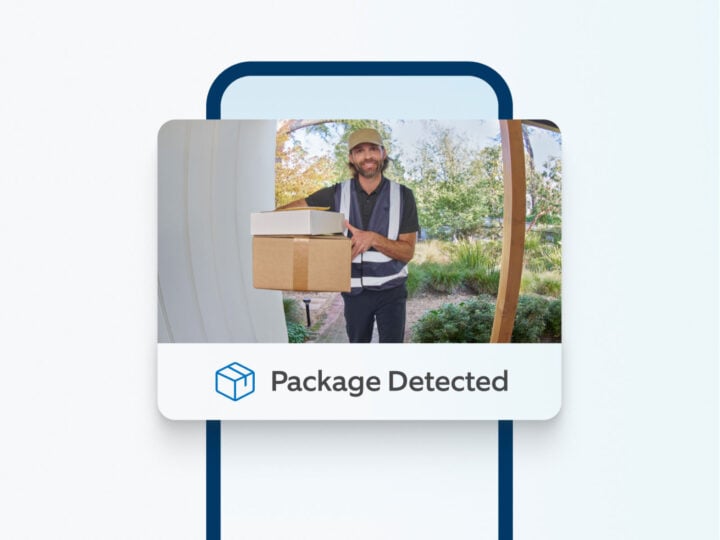
Person alerts are the obvious one: someone at the front door, or coming up the path.
Package alerts tell you the moment a parcel lands on the spot you’ve marked out for deliveries, which Ring calls a Package Zone. This lets you tell the difference between a regular motion detection and an actual delivery, and if you’re out, you can make your way home to secure your package.
Vehicle alerts cover the car pulling into the driveway, the Uber Eats or grocery drop-off, or the postie van.
Here’s the clever bit. Ring says that with Smart Alerts on, your camera still records all the motion it picks up, but only notifies you about the kinds you’ve chosen. So you can record every car that comes up the driveway, yours included, without your phone buzzing for any of them. It’s all under Smart Alerts in the app’s Motion Settings.
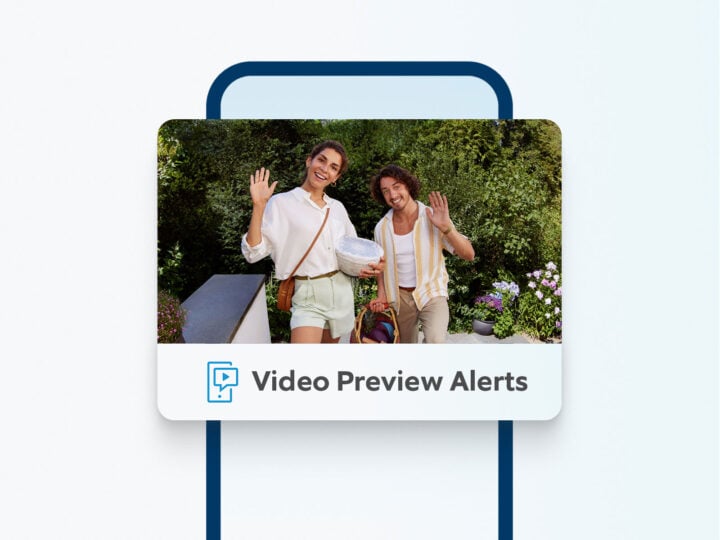
The best time-saver, though, is Video Preview Alerts. Ring says the notification itself shows an animated preview of the motion recording, so you can see what set it off right there on the lock screen. Is it the courier, or just the hedge in the wind? You’ll know without even needing to open the app.
Tell Ring where to look
Motion Zones come with the Ring app, with or without Ring Protect, so you get quite a bit of functionality out of the box. You draw the zone over the parts of the picture that matter, like the path from the gate to your front door, and leave out the footpath on the street, the road, and the neighbour’s tree. Ring says this means fewer unwanted motion alerts.
Privacy matters too, for you and for the neighbours. Privacy Zones black out part of the picture completely, in live video and in recordings, so your camera can watch your driveway without also watching the house next door. Ring allows up to two Privacy Zones per device, and they’re part of the app too, no plan needed. We’ve covered them in our look at the privacy features your smart home security system must have.
When you upgrade to Ring Protect, Motion Zones get beefed up by those Smart Alerts. The zones you set determine where Ring looks, and the Smart Alert decides what’s worth telling you about. A car going past on the street stays out of your phone altogether, and the unexpected relative pulling into your driveway gets recorded without a buzz, if that’s how you’ve set it up.
Protecting your footage
Keeping your footage on a camera’s SD card or internal storage alone can expose it to theft, damage, and storage limits. Instead, Ring offers cloud storage to help keep your video history safe even if something happens to the device. When stored in the cloud, Ring says every video is encrypted by default.
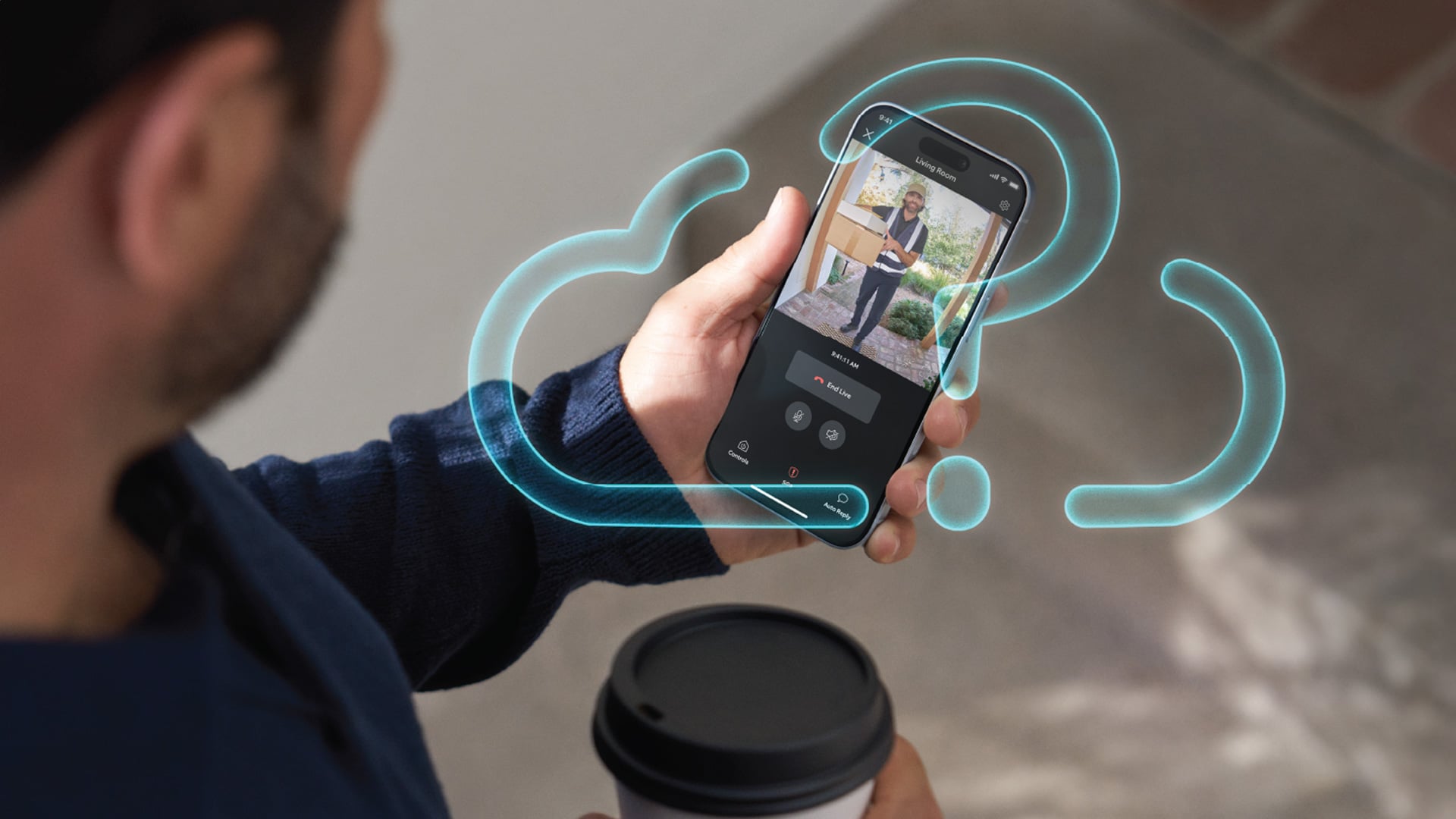
With Ring Protect, Ring says videos are kept in the cloud for up to 180 days from the day they were recorded. So when your friend asks if you know exactly what time his handbrake failed and his car rolled backwards down your drive into a parked Subaru, ‘for the insurance’, you can actually go back and look.
Then there’s Snapshot Capture, which fills in the gaps. Snapshot Capture takes a still photo at regular intervals in between motion events, and you set how often in the device’s settings. Ring says snapshots are kept for up to 14 days, and you flick through them on the Event History timeline in the app. Handy for checking on stuff that doesn’t move, like if the bins are still sitting out on the kerb.
Find the moment without the scrolling
Months of footage is only useful if you can find the bit you want. Event History is a list of what’s happened on your Ring devices, and you can filter it by device, event type, and more. So if you only want to see the package alerts from the front door, that’s a couple of taps rather than a long scroll.
The Daily Event Summary comes with Ring Protect. Ring says it’s a summary of what’s happened at your location, or for each device, so you don’t have to open every camera one by one to find out what was going on out the back, down the side, out the front, and so forth.
Ring Protect Pro goes a step further with Video Search, on compatible devices. Ring says it helps you find a specific thing in all your camera’s recorded motion events. You describe what you’re after, a delivery van, say, or someone in a red jacket, rather than scrubbing through a week of clips yourself.
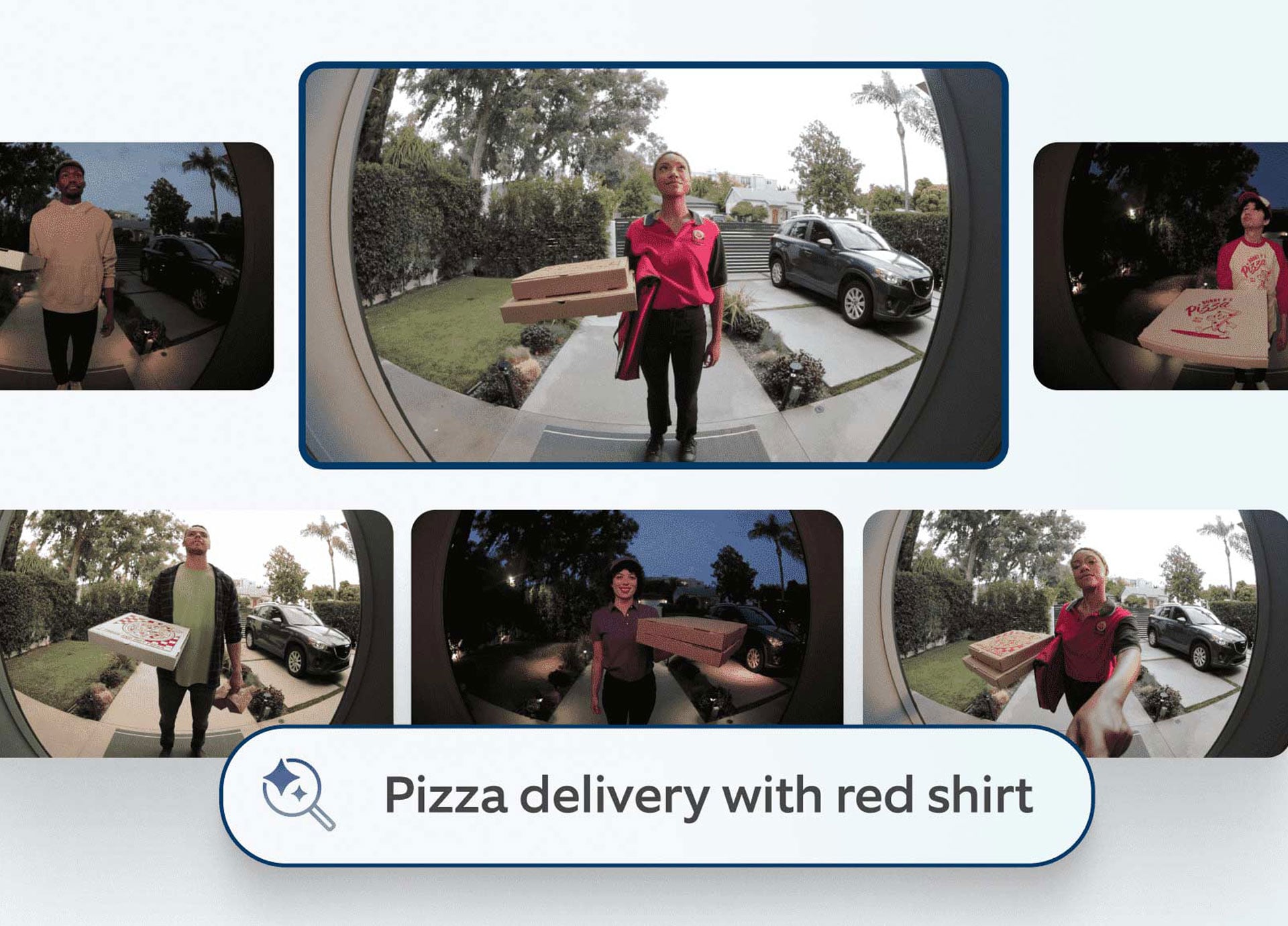
Ring Protect Pro: fewer alerts that say more
Ring Protect Pro, the top plan, adds what Ring calls intelligent features, and they go straight at the notification problem. Video Descriptions puts a line of text on the alert describing what happened. Ring says this helps you tell the urgent from the everyday without opening the Ring app.
There are two interesting features still in beta. Ring says Single Event Alert combines similar alerts from the same camera, so you get one notification for the last few events, which is the thing that will cut ‘the buzz’. And Unusual Event Alert, Ring says, filters your alerts so the unexpected stands out from the everyday comings and goings. Like you getting home from work at the usual time.
Sure, the Ring app is easy to use. But the whole point of all this is that you use it less and get that time back for the rest of your day.
Know more, check less
Put it all together and Ring Protect turns your smart doorbell and cameras into a security system, with your footage kept safe in the cloud round the clock, for up to 180 days. All powered by an app that alerts you to what you’ve told it matters, not to every random movement outside your house.
Remember that tree branch swaying in the breeze, setting off your phone every time the wind picks up? Leave it out of your Motion Zone, set your Smart Alerts to ‘people’, and the tree can wave all it likes.
Ring Protect comes in three plans. Ring Protect Solo covers one device and Ring Protect Multi covers every Ring device at your address, with the same features on both. Ring Protect Pro covers every device as well, and adds the intelligent features we looked at above.
Ring says a 30-day free trial of Ring Protect starts when you first set up a Ring doorbell or camera, and plans start from $4.95 a month for Ring Protect Solo. You can compare all three plans on Ring’s website.
That’s the whole idea: know more about what’s happening at home, and spend less time checking your phone to find out.
Read more Ring articles on GadgetGuy
The post Know more, check less: Getting more with Ring Protect appeared first on GadgetGuy.


0 comments:
Post a Comment