
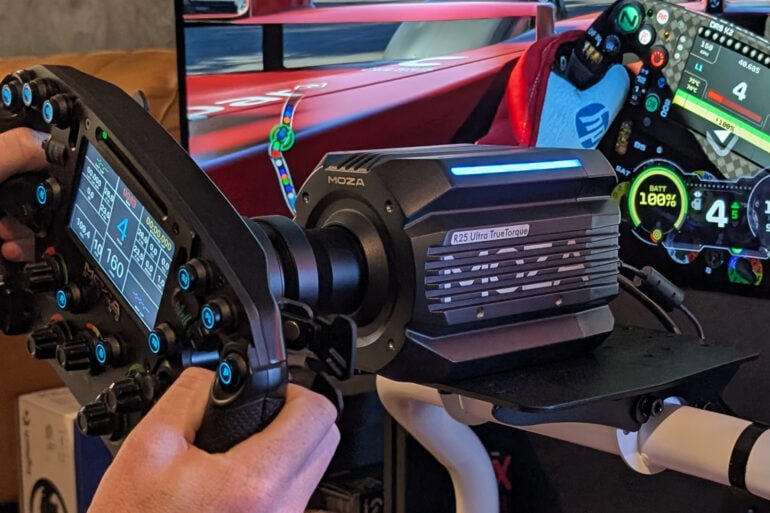
I recently built my very first racing simulator, which was a fantastic experience. It really opened my eyes to the incredible breadth of racing sim technology on the market. It’s staggering and somewhat overwhelming to begin with. I spent countless hours researching parts and fine-tuning which products are best suited to my needs. It was a bit of a crash course into the sim racing world, but now I’m hooked.
As a result, I now have a great setup, and I am always on the lookout to test new sim gear. In steps Moza’s new wheel base: the R25 Ultra. As the name suggests, the R25 Ultra has a 25Nm torque output (while the R21 Ultra has 21Nm, etc.). That’s a staggering amount of power, but more on that later.
Setup and usability
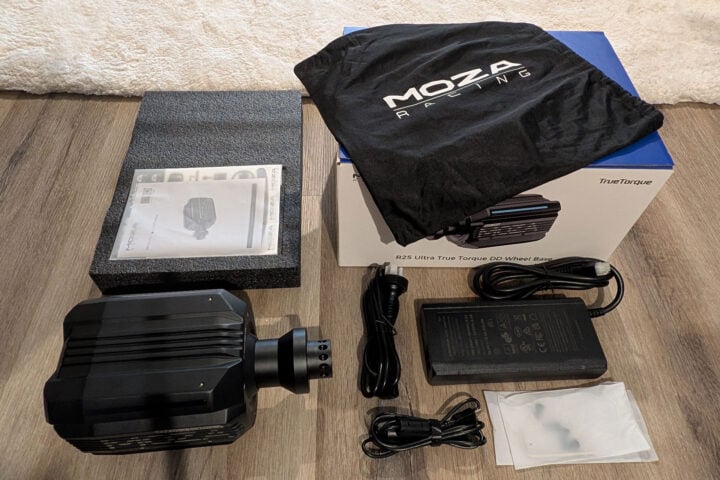
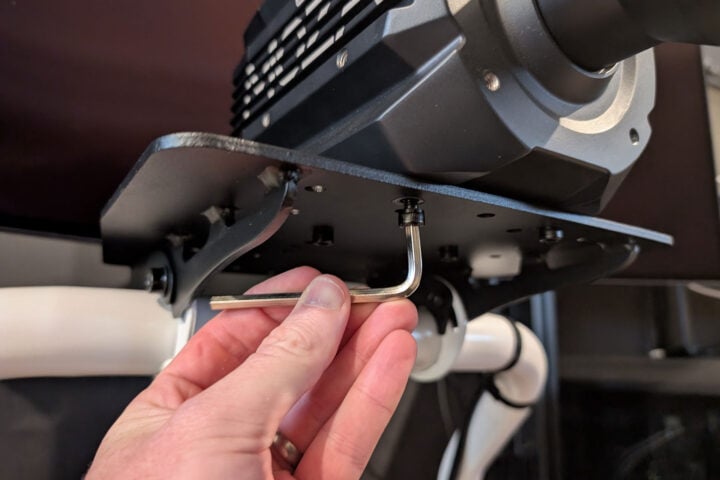
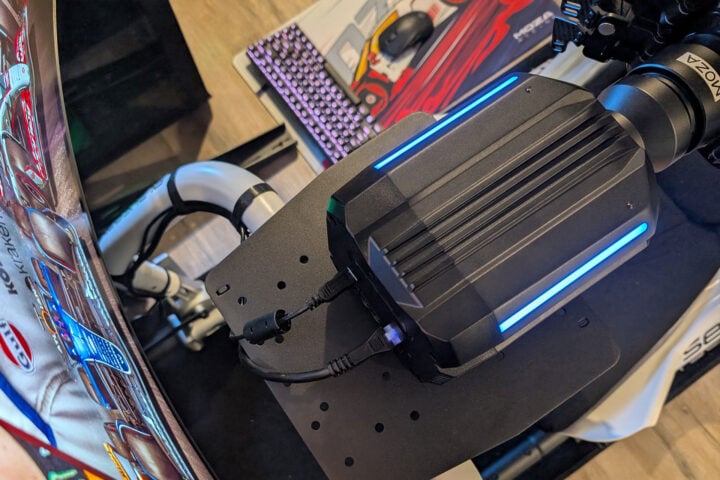
Let’s start with the setup, which I found rather simple. There isn’t a whole lot to look through in the box; this product is strictly business. Like most wheel bases, it’s a matter of securing it to your frame with the four included socket head cap screws. The wheel base comes with four threaded holes on the bottom that line up with basically any sim mounting plate, with the standard spacing of 78.4mm wide and 66mm back. The R25 also has threaded holes on the front and sides in case an alternative mounting option better suits your setup.
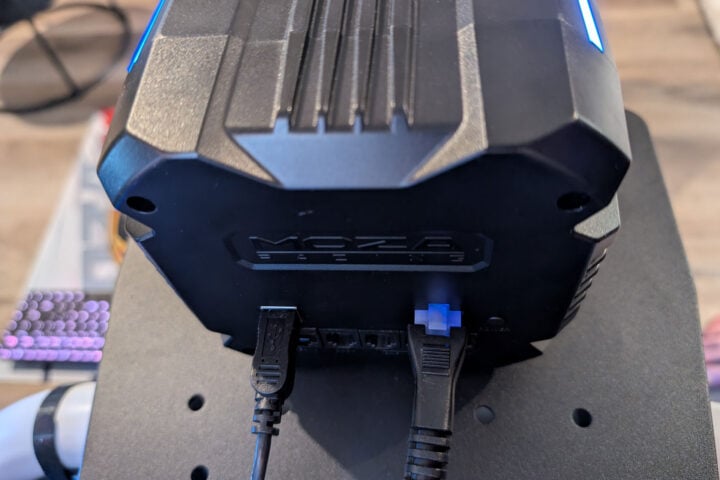
For my situation, I was replacing an existing wheel base. This meant unscrewing the old one first and removing the accompanying cables. All of this, including installing the new wheel base, only took around 15 minutes, and some of that time was spent organising my cables to make sure they looked neat and tidy. From there, all that was left to do was plug in the power and USB-B cables, and I was all set. I attached my steering wheel, hit the power button, and away I went.
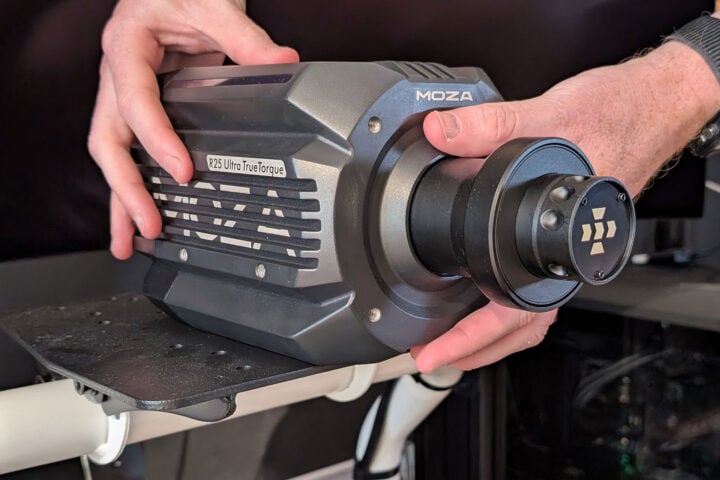
Design and build quality
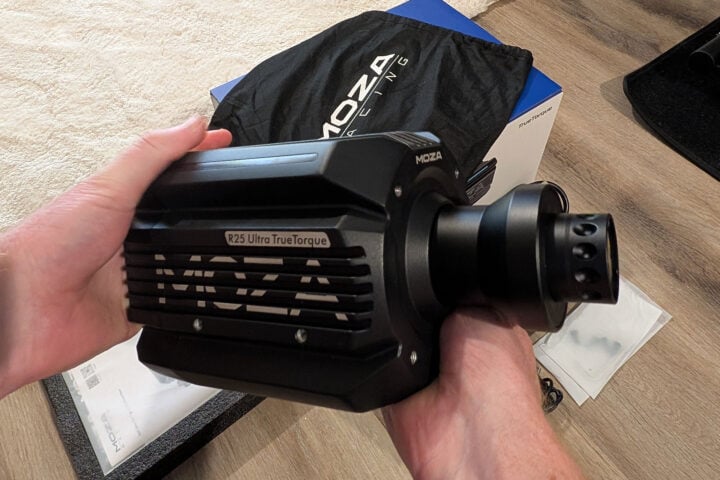
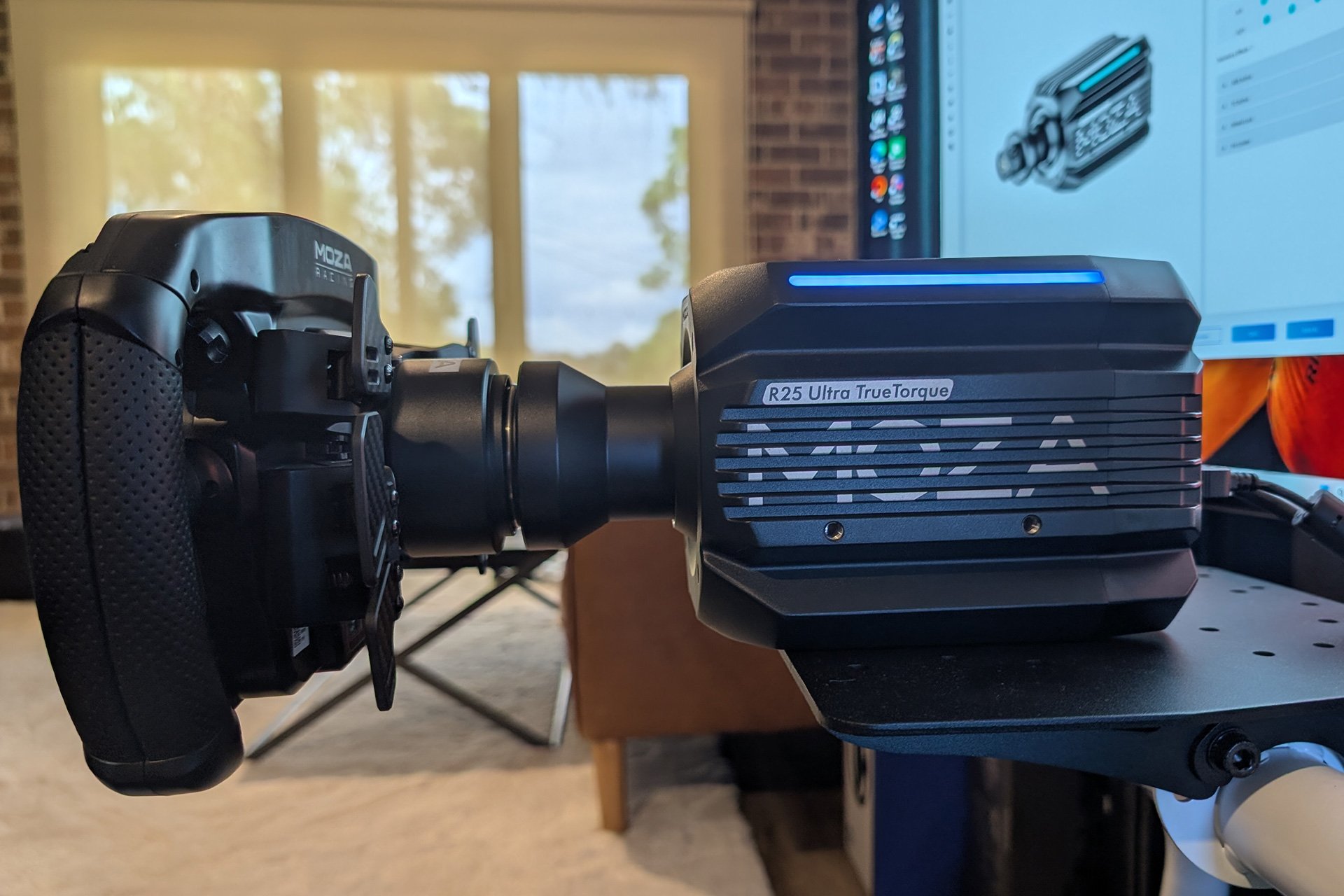
The first thing I noticed was the weight of the R25 Ultra. It’s a heavy beast, but I guess it has to be to produce so much torque. Also, the weight doesn’t matter once it’s mounted to a racing cockpit. The R25 Ultra comes with the Moza standard aluminium housing with a somewhat plastic back cover where all of the inputs live.
Both the R21 and R25 have an updated design, featuring a new look from the pre-existing Moza wheel bases. This updated look is partly aesthetic and partly practical, giving the wheel base added structural integrity and rigidity. Probably a good idea considering the force it produces.
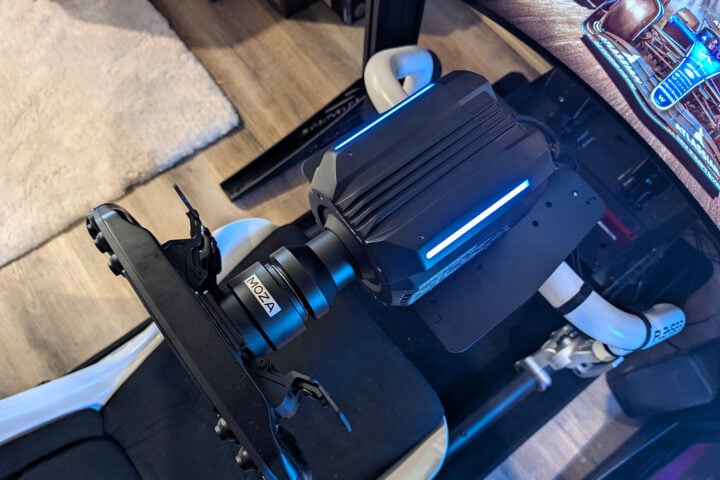
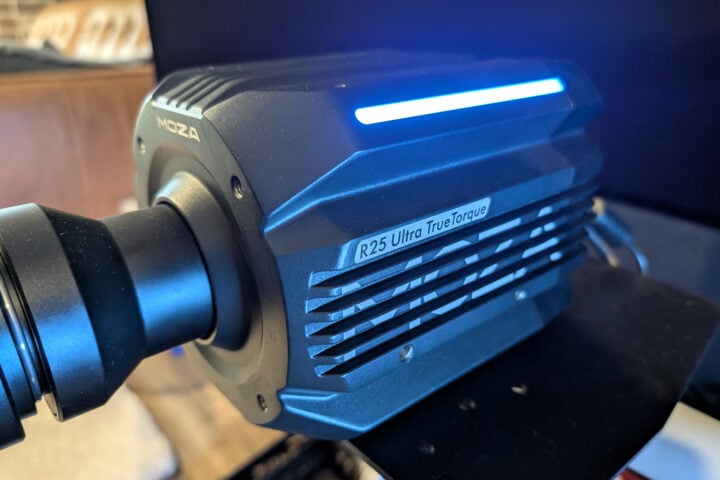
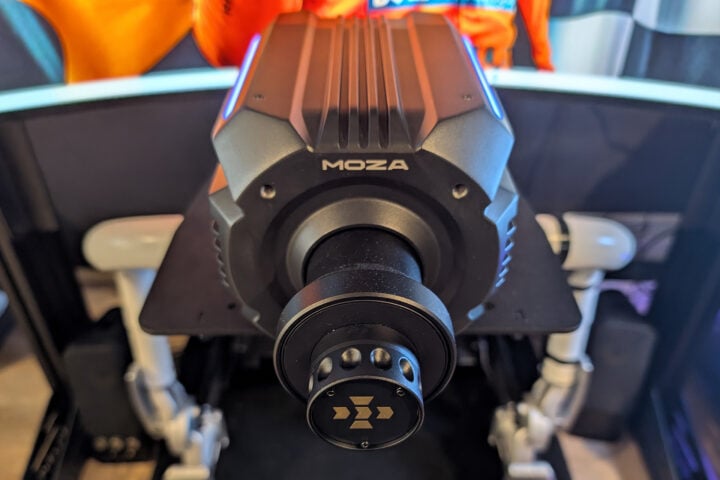
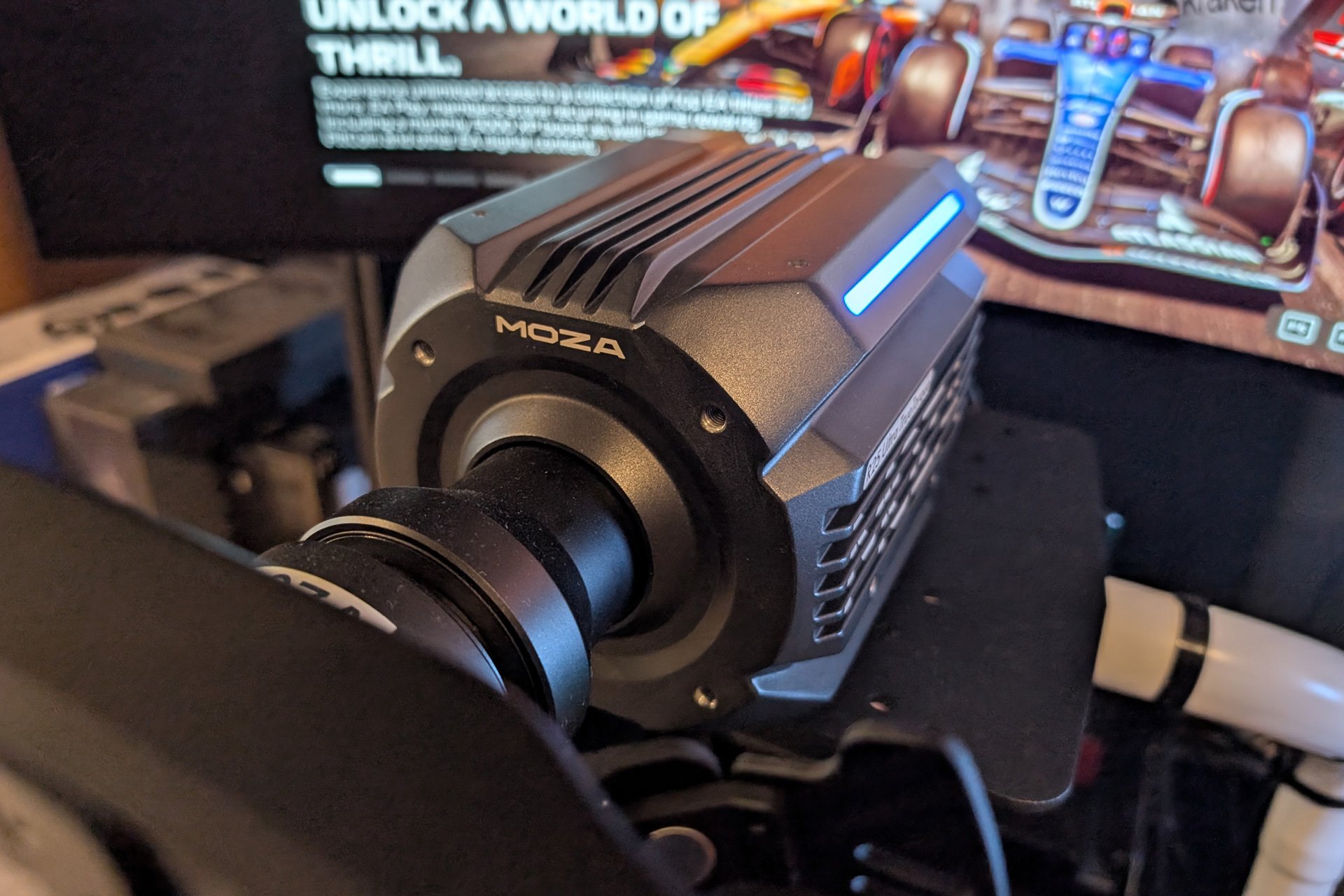
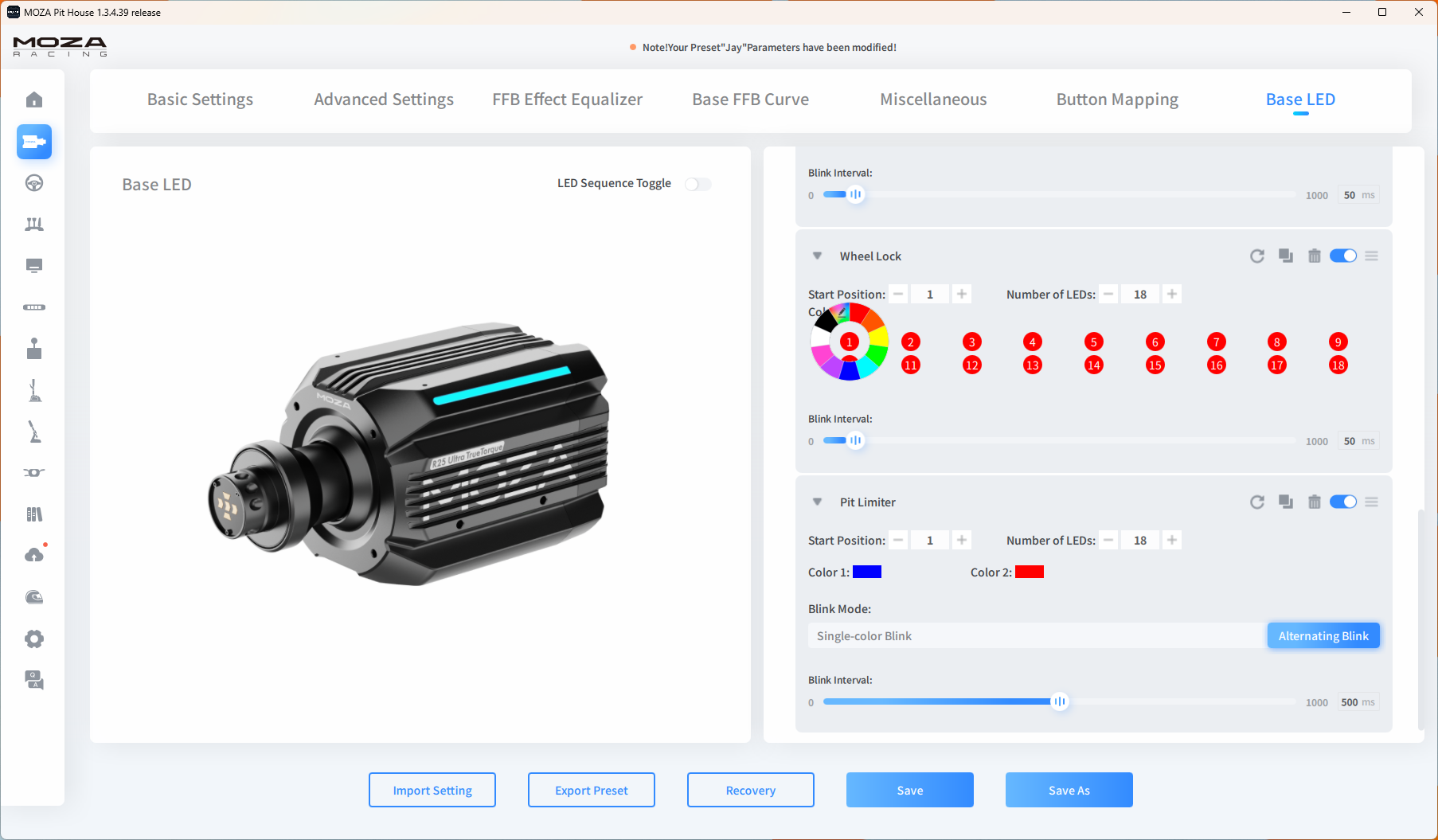
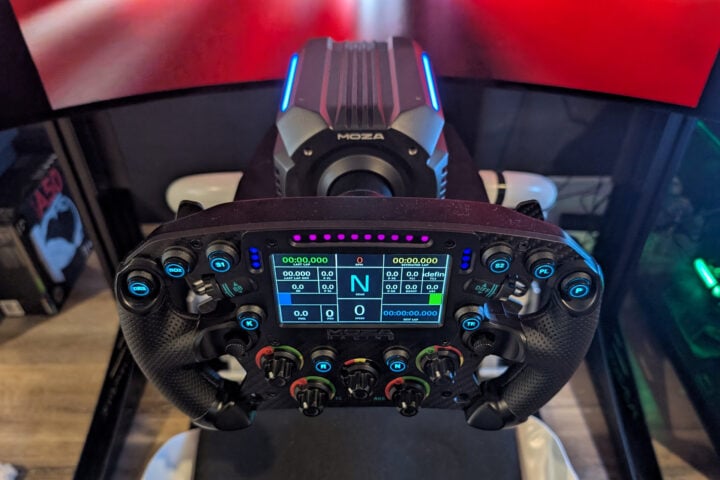
One of the other big differences is the new custom lighting setup, consisting of two light strips that run along the top edge of the wheel base. The beauty of these lights is they are more than just a bit of ‘flash’.
Within the Moza software, you can customise these lights to reflect real-time telemetry while you race. Anything from ABS, traction control, gear shift and flag signals. I like the flag signals the most. While deep in a competitive race, having my wheel base reflect the colour of the flags in real-time is such a cool feature that I never knew I needed. It’s the simple things that help make racing feel more immersive. Outside of that, I loved matching the lighting on the wheel base to my favourite team’s colours.
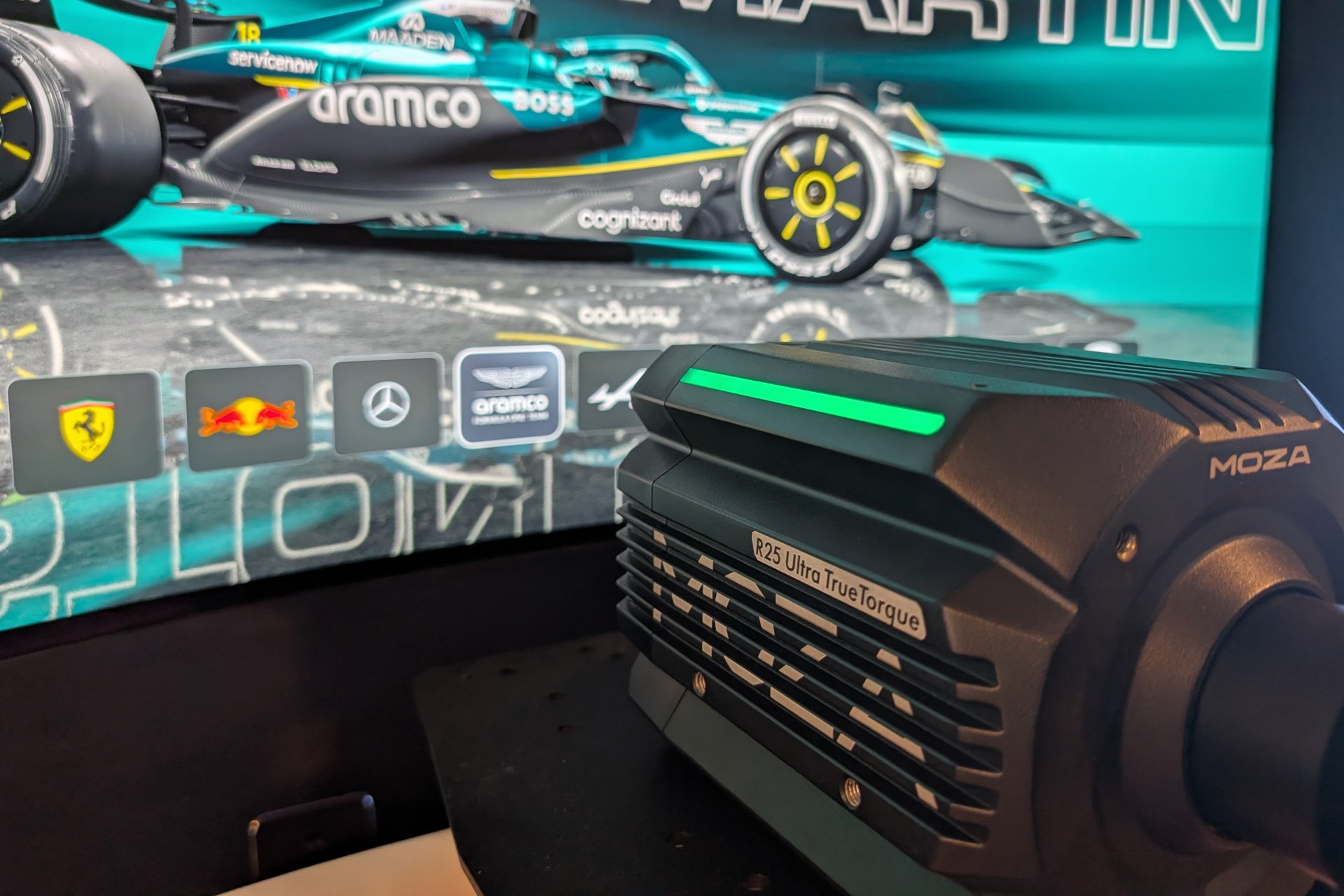
Performance and force feedback
Some of the older-style wheel bases give off the feeling that you are turning in increments, making it feel like you are jumping around, or the steering is a little jerky. With the R25 Ultra and its updated zero-cogging flat-wire motor, it’s a much smoother experience that feels more accurate.
There is also the new Moza force feedback algorithm that is claimed to help deliver lifelike immersion and razor-sharp control. Sometimes, all of these marketing terms don’t result in much of a tangible difference. But, in this case, I could really feel a distinct improvement from the zero-cogging motor. It was buttery smooth, and to my untrained hands, it felt perfect.
Now, the big item. The 25Nm of torque. To start with, I loved the feedback and the feeling of the road, along with other more subtle forces like weight transfer or tyre grip. The level of detail felt with a high-powered wheel base is remarkable.
25Nm of torque is intense when replicating collisions. Hitting a curb hard or having a high-speed crash into a wall feels brutal. I understand that this is possibly a desirable trait for people who want the most realistic experience possible. But for the more casual driver, just be aware that this wheel base packs a punch. Adding to the immersion side of things, when riding a curb or banging wheels with another car, the R25 Ultra can shake or vibrate your whole simulator. It instantly makes you feel like you are really on track.
Software
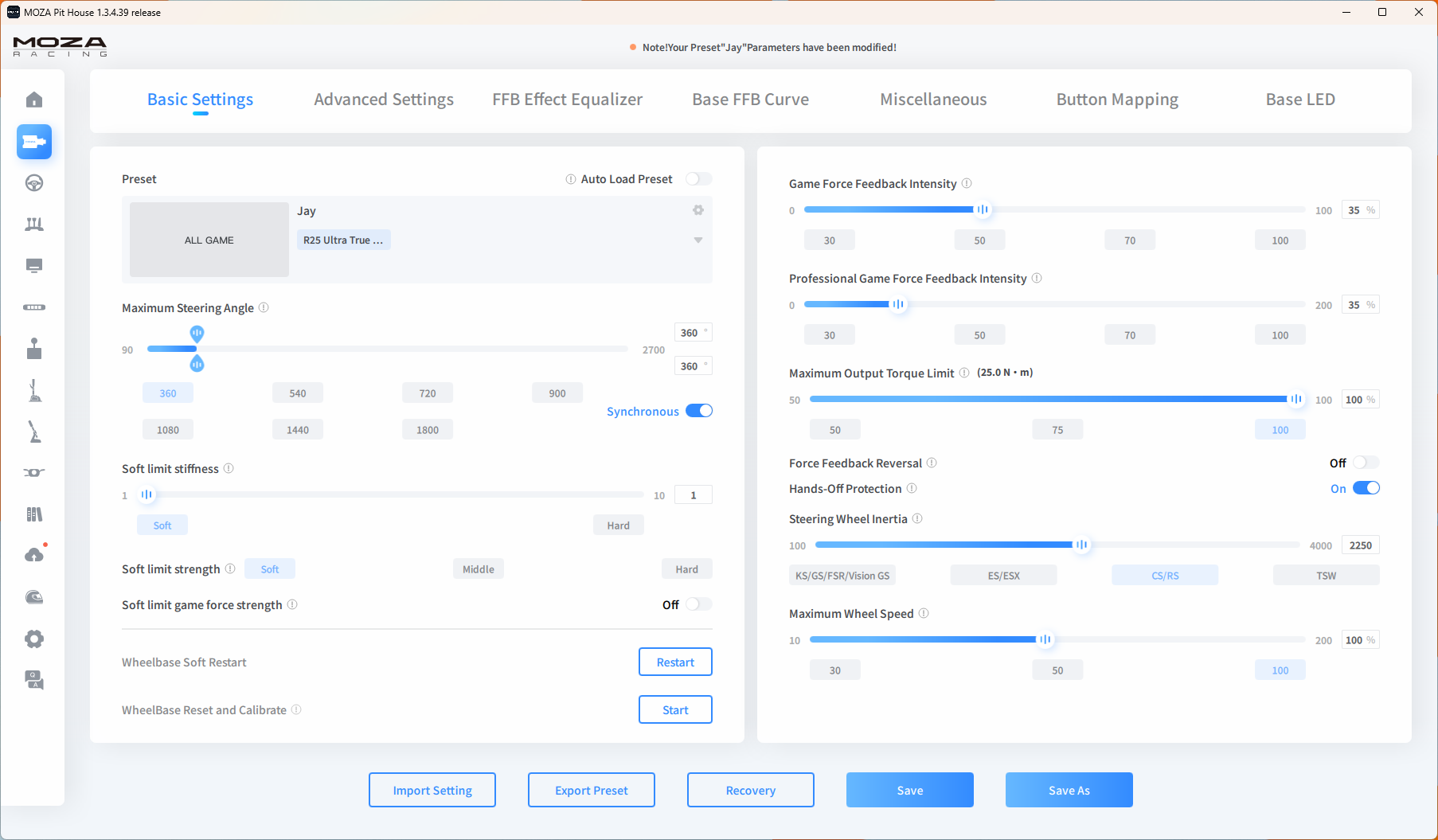
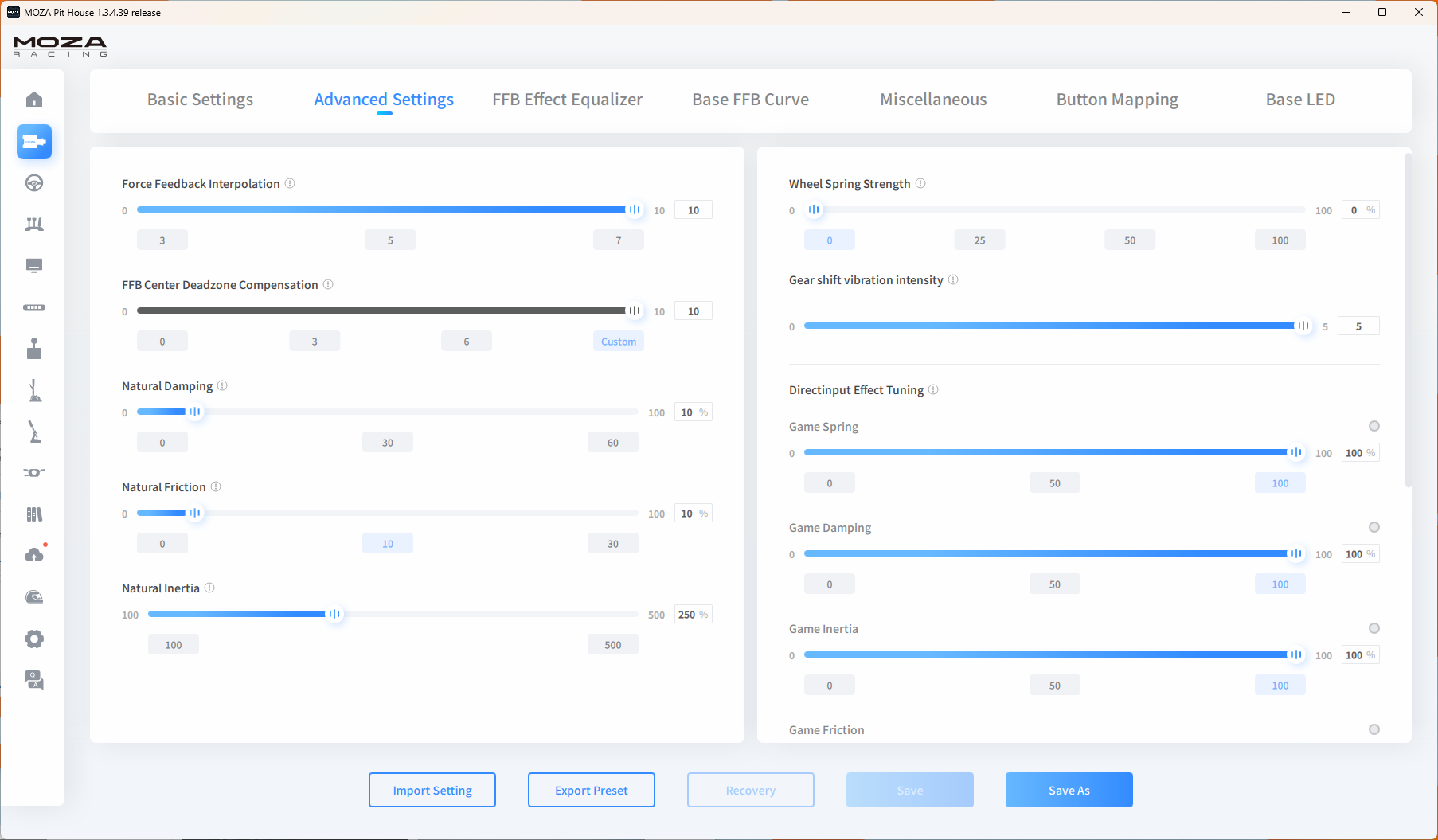
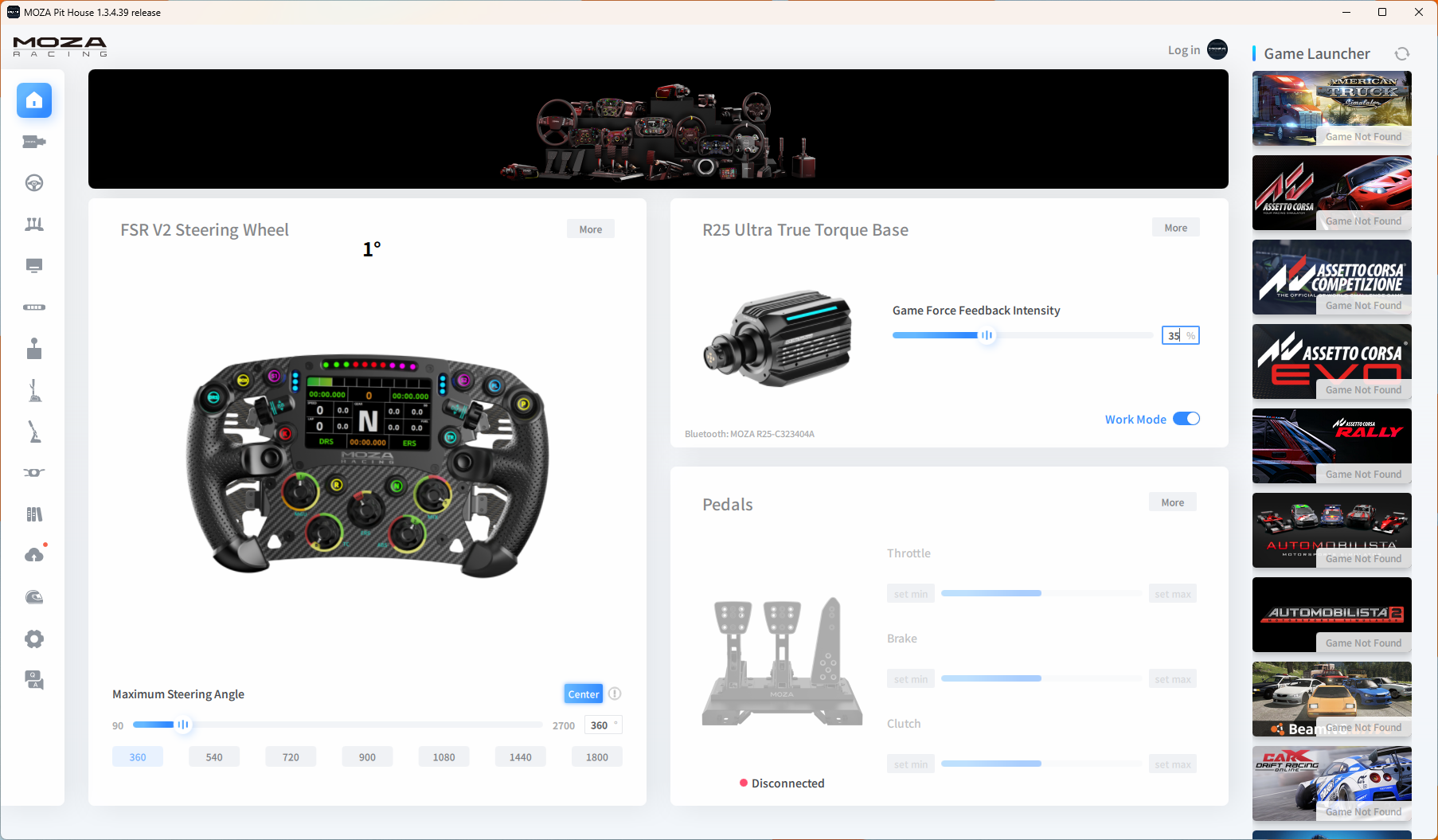
I’m always surprised by how easy setting up sim racing gear is. Every brand has its dedicated software that controls all of its branded products, and Moza is no different, with Moza Pit House. This software controls everything Moza-related, which includes a dedicated section for your wheel base.
The main feature I used was to adjust the percentage of force feedback. By default, the wheel base is set to 40%. After some tinkering, I found that somewhere between 30-40% feels about right for me. With a higher setting, it’s harder to do more than a few laps without needing a break. However, this is a tradeoff as the lower the setting, the less detail you feel. This is because lowering the force feedback tends to mute the subtle road, curb and tyre slip sensations, giving you less information to drive with.
Having previously set up my Moza R9, I already had the software installed. As expected, Moza Pit House recognised the new wheel base instantly, and I was able to start making adjustments right away.
Compatibility
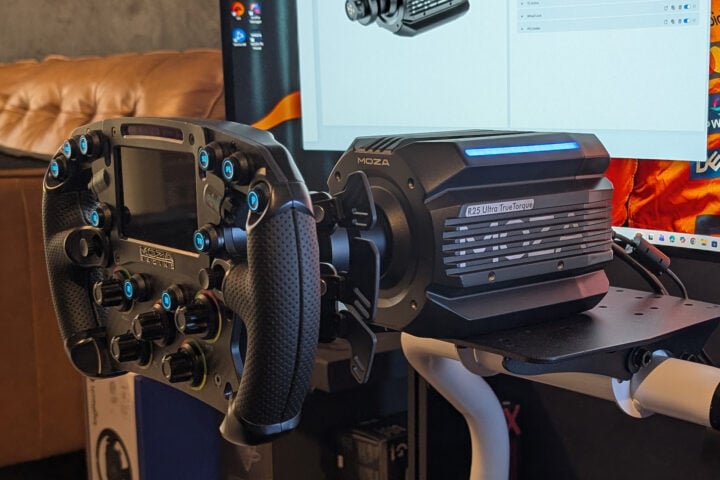
The Moza R25 Ultra is compatible with PC only, which is the case for most of the brand’s gear. I used the R25 Ultra with my FSR2 Formula Wheel, which worked seamlessly. I had my Simagic pedals installed, so I decided to see how they worked alongside the Moza gear, which ended up working well.
As mentioned earlier, the Moza R25 Ultra is connected to my PC via a USB cable, like a lot of sim products. The only other cable needed is for power, then it’s all set. Just like every other wheel base I have experience with, the R25 Ultra feels very complete and polished. The only real difference is the enormous power this one can output.
In terms of seat or cockpit compatibility, I tested the R25 Ultra on my Playseat Instinct, which is my main sim racing seat. For a seat like mine, I suggest the sweet spot is a wheel base with around 9-12Nm of torque. I could use the R25 Ultra without a problem, even when cranking up the power to 70% and 80% for very small stints. With that said, I recommend an 8020-style sim seat to get the most out of such a powerful wheel base. These frames provide a higher level of structural integrity and would better utilise the extreme torque of the R25 Ultra.
Value for money
Considering whether the Moza R25 is good value is tricky. Moza is well-known for its mid-range products, such as the R9 and R12 wheel bases. They also have some more entry-level products in the R3 and R5. Compared to these pre-existing products, at $1,649, the R25 Ultra is a rather expensive unit.
Yet I would argue the R25 is more of a high-end product, and is best compared to the likes of the Simucube 2 Pro. Both have identical torque outputs of 25Nm. In Australia, the Simicube 2 Pro costs around $2,200 from specialist retailers. With that in mind, I think the R25 Ultra is a good value high-end direct drive wheel base.
Who is the Moza R25 Ultra Wheel Base for?
It’s hard for me to recommend this to everyone; I still think that around the 12Nm is the best bang for buck. 12Nm is more than enough torque to mimic a realistic feeling driving experience that everyone can enjoy.
But for those who want access to seemingly unlimited power, and are used to having nothing but the best, the Moza R25 Ultra is certainly a great option. All of the feedback from the tyres and race track surface will be felt as you crank on the steering lock, holding on with everything you have. And at the end of the day, it is so easy to turn down the power if your arms get tired, so there is nothing to lose.
The post Moza R25 Ultra Wheel Base review: Is 25Nm too much? appeared first on GadgetGuy.


0 comments:
Post a Comment