
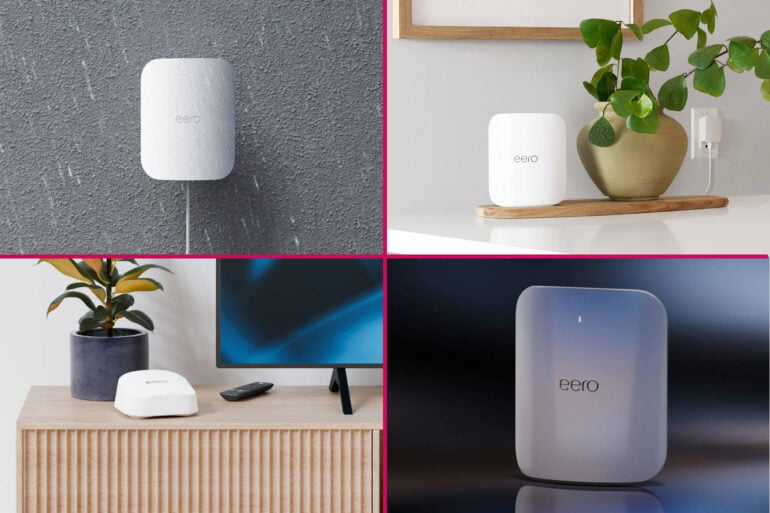
If your home Wi-Fi is overdue for an upgrade, you’ve probably heard that a mesh system is the way to do it, swapping the single router for two or three small units that work together to spread one Wi-Fi network through the whole home. Well, eero is a leading example of mesh Wi-Fi right now, and this guide walks you through the process of choosing an eero system perfectly suited to your particular home.
Why now is the time to upgrade your router
Recent research from OpenSignal found that 64 per cent of Australians are still using a router on Wi-Fi 5 or older. That’s fine, except when those same Aussies are using older routers on their new high-speed NBN plans.
The extreme end of this is NBN Co’s report that 26 per cent of households on 500Mbps plans are still using Wi-Fi 4! That’s a standard from 2009 that tops out at around 100Mbps in the real world, so while the speed at the wall is half a gigabit, the devices on the Wi-Fi are only getting about a fifth of that speed, which you’re still paying for. And that’s with perfect Wi-Fi conditions.
Of course, you don’t need to be on a super-fast NBN plan to benefit from an eero system upgrade. As well as giving your devices raw speed, eero provides the latest security features, and maybe most importantly, helps make your Wi-Fi signal much more consistent throughout your home. Wi-Fi dead spots and dropouts will become (almost) a thing of the past.
How to choose an eero system
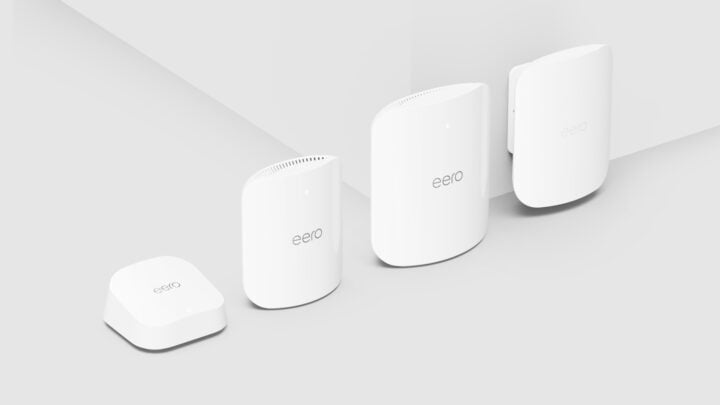
Choosing a mesh system like the eero used to be about counting devices. But who even knows how many devices they have on their Wi-Fi these days? From the phones to the TV to the tablets, the Echo smart speaker, the doorbell, the list grows and grows. So think about it in terms of the size of your household, both literally (as in floor plan area) and how many people live there.
There are three indoor eero models, and they differ in how fast they are, how many devices they can juggle, and, to a lesser extent, how much range they have.
The everyday pick: eero 7
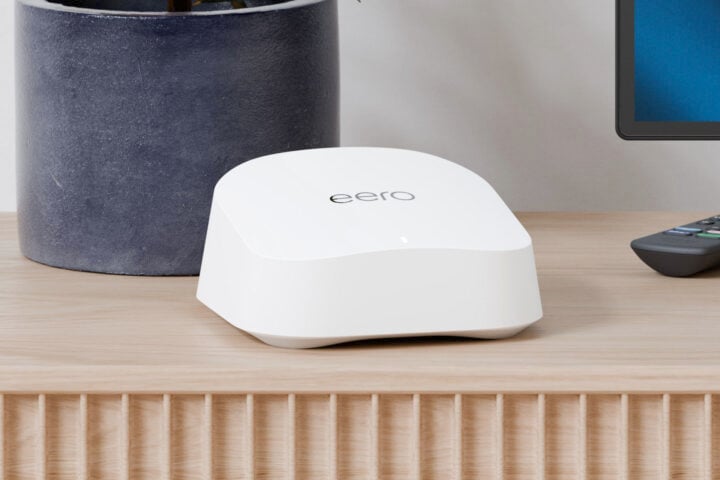
For an apartment or an average-sized family home, the eero 7 is a good place to start. It’s what eero calls its most affordable Wi-Fi 7 router, but it’s no slouch.
Two 2.5 gigabit Ethernet ports mean it supports internet plans of up to 2.5Gbps, which covers the very fastest NBN fibre plans, and eero says it delivers wired speeds of up to 2.3Gbps and wireless speeds of up to 1.8Gbps to more than 120 devices.
A single eero 7 covers up to 190 square metres and a three-pack up to 560 square metres, according to eero, so if your house is, how shall we say, ‘rambling’, you can position the units all the way from the NBN box in the living room to reach the kids’ bedrooms in the east wing. If your house is more, you know, normal, a two-pack will probably do.
For the busy household: eero Pro 7
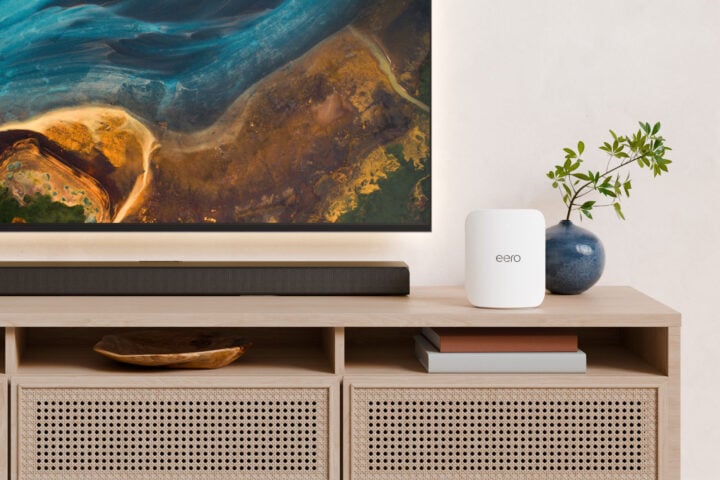
Some homes are no bigger than average, just a lot busier. If four people are streaming, gaming, and video calling at once, or you run a small business from the spare room, the eero Pro 7 has extra features that will be worth it.
Its two 5 gigabit Ethernet ports support internet plans of up to 5Gbps, with wired speeds of up to 4.7Gbps, wireless speeds of up to 3.9Gbps, and capacity for 200 devices on a single unit, eero says. One unit covers the same 190 square metres as an eero 7, and a three-pack goes just as far. It’s also tri-band, which means a third radio band to spread the traffic across.
For power users: eero Max 7
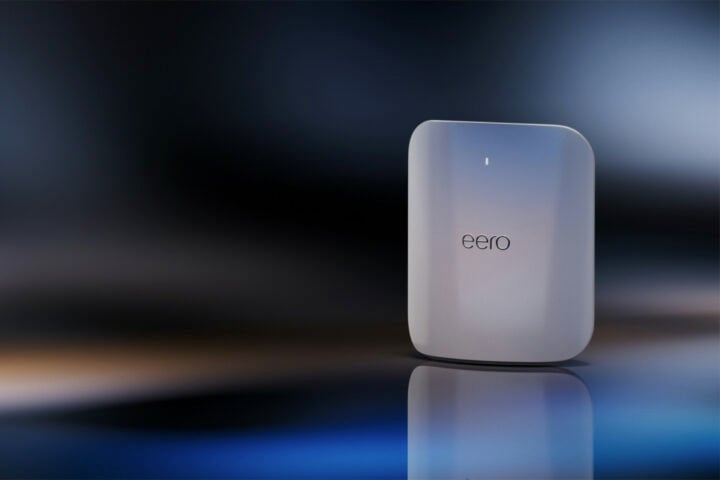
Okay, you guys know who you are. You know what ‘Ethernet backhaul’ is and you have multi-room audio and IP cameras in the public areas. You also have a multi-gigabit internet plan, other serious smart home tech, and a couple of gaming PCs or network storage devices plugged in via that Ethernet. So for you, the eero Max 7 is the best choice.
Two 10 gigabit Ethernet ports carry wired speeds of up to 9.4Gbps, while wireless goes as hard as 4.3Gbps, with support for more than 250 devices, eero says. Each eero Max 7 unit by itself covers up to 230 square metres, giving the widest coverage of the three indoor models, so this is the pick for larger homes too.
For large properties and outdoor areas: eero Outdoor 7
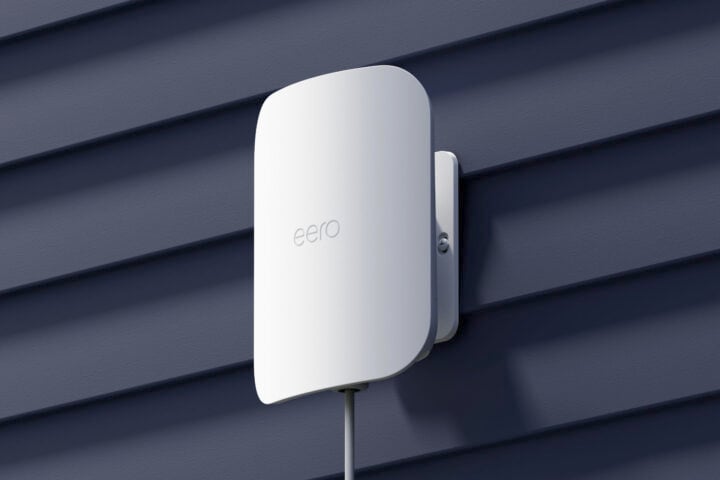
The eero Outdoor 7 isn’t an alternative to the three models above. It’s an addition to an indoor eero system, and you only need it if you have a large property or sprawling outdoor areas where you want reliable Wi-Fi coverage.
Think of the detached studio, the garage, or the granny flat, along with the robot mower, the pool cleaner, security cameras, and the irrigation system. There’s actually a lot to explore with a serious outdoor Wi-Fi system.
Anyway, a single eero Outdoor 7 unit covers a massive 1,390 square metres (that’s roughly a circle with a 21-metre radius) at wireless speeds of up to 2.1Gbps, eero says. The unit’s IP66 rating means it can take the Aussie sun, and mounted as eero directs, it can handle rain, dust, and snow. It can operate at up to 55 degrees Celsius, so not even a Queensland summer should shake it.
Why eero?
The pros to an eero system are comprehensive, but they boil down to these:
Every eero model uses mesh technology, so multiple units work together to create a single Wi-Fi network that grows as you add more units. As far as your phone or laptop is concerned, it’s all just the same Wi-Fi. You can read more on this in our guide to maximising home Wi-Fi performance.
Security is built in. Every model comes with a firewall, WPA3 encryption, and automatic updates to help protect against the latest threats.
The eero app is where you name every eero and device, see what’s connected to what, block sites, manage screen time, and even pause a device off the Wi-Fi altogether. If you want even more dials to twiddle and sliders to… uh… slide, an eero Plus subscription upgrades the app to add advanced threat blocking, password management, parental controls, content filters, and more.
Internet that just works
Dealing with your home Wi-Fi used to be a pain. Now here’s eero’s Wi-Fi 7 range, built around the very sensible idea of internet that just works.
Most homes will be well served by the eero 7. Busier households should look at the eero Pro 7, and power users with big houses at the eero Max 7. Add an eero Outdoor 7 if you want to get serious about outdoor Wi-Fi.
Going by the statistics, there’s a fair chance you’re one of the many Aussies due for a router upgrade. Don’t put it off any longer. Pick the eero that fits your home, and enjoy the internet you’re already paying for.
The post Which eero is right for me? How to choose the best mesh router appeared first on GadgetGuy.


0 comments:
Post a Comment