
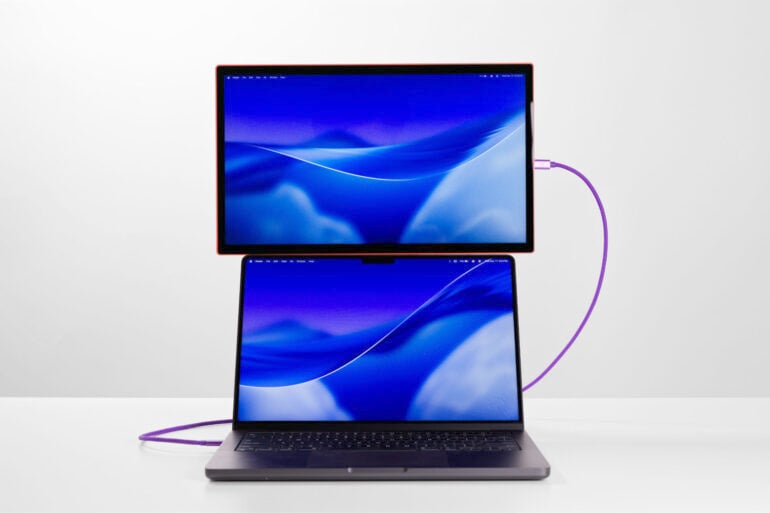
I have loved Espresso Displays products for many years, having used them for a long time. But, because of the (justifiably) high price tag, they were sometimes difficult to recommend to people who didn’t have specific, high-end needs.
The Espresso Lite 15 changes all that. Now, people who need a second screen on the go have no reason not to try one of this excellent Australian company’s screens.
Table of contents
- First impressions
- Specifications and price
- General use
- Portability
- Software
- Who is the Espresso Lite 15 for?
First impressions
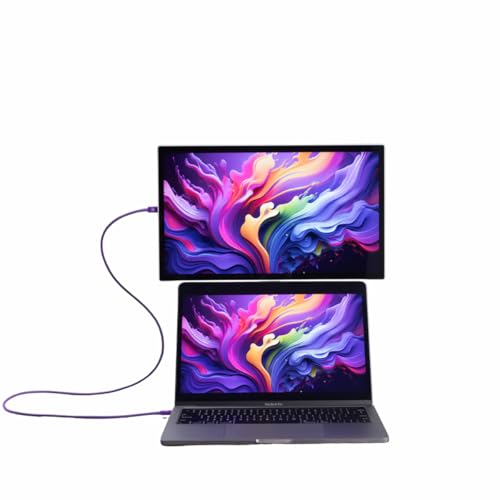
Taking the Espresso Lite 15 display out of the box, I was struck by how simple the setup was. There’s a super thin screen, a USB-C cable and a magnetic stand, and that’s really all you need.
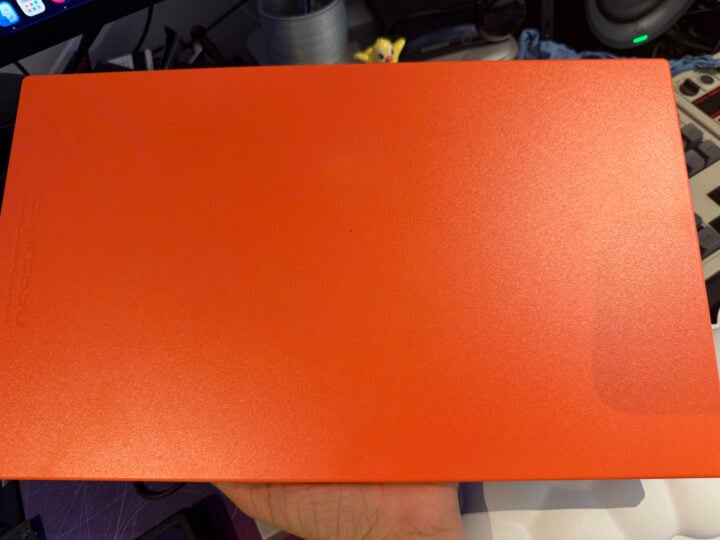
I also really loved the colour. I strongly debated between orange and purple, and I think I still one day want to get a purple one, but I love the orange so much that I think I made the right choice for now. It’s just nice to have productivity devices with a little personality. Sure, I’m using this to fill out my expenses spreadsheet, but I also enjoy colours. For those who don’t enjoy colours, there are also black and white options.
Setting it up was easy. Because I already had the Espresso Flow software installed on my Mac, I plugged in the screen, and that was the whole setup process. The app is easy enough to use, letting you customise the screen and whether you want it to mirror or extend, which apps you want to open automatically on each screen in certain modes, etc. I’ll explain more later on in this review, but the main takeaway is that it was super easy to set up and use.
Espresso Lite 15 specifications and price
| Price | $399 |
| Warranty | 2 years in addition to your Australian Consumer Law Rights |
| Official website | Espresso Displays Australia |
| Size | 15.6 inches |
| Length | 364 mm / 14.34 inches |
| Width | 218 mm / 8.58 inches |
| Thickness | 9.5mm / 0.37 inch |
| Weight | 705 g / 1.55 lb |
| Resolution | 1920 x 1080 (1080p) |
| Touch capable | No |
| Contrast ratio | 1500:1 |
| Response time | 9ms typical |
| Ports | 2x USB-C with power passthrough |
| Brightness | 400 nits |
The difference between the Lite and my usual $1,100 Pro model is stark, and that really shows the range of this brand. At the higher end, you can get 4K resolution, 550 nits of brightness, an aluminium body (instead of plastic) and touchscreen capability across Mac and PC.
However, at this end of the market, FHD (1080p) is to be expected, and most other options only have either 800:1 or 600:1 contrast ratios, which is suboptimal. Comparing the Espresso Lite 15 to similar-priced portable monitors, like the Lenovo ThinkVision M15, the Espresso comes out on top.
For instance, Lenovo’s display has a 1000:1 contrast ratio, 250 nits of brightness, a significantly less adjustable stand, and a larger, heavier body for the same screen size. The Espresso Lite 15, with a 1500:1 contrast ratio, 400-nit brightness, and a lighter build, obviously wins in that direct comparison.
General use
This is an absolutely solid screen for daily use. I use it as my emails and notes screen, and I have the document I’m working on and whatever research on my main screen. Because my main monitor is 6K, the difference is more stark than I’d like, but FHD is more than enough for most non-gaming and intensive video editing duties.
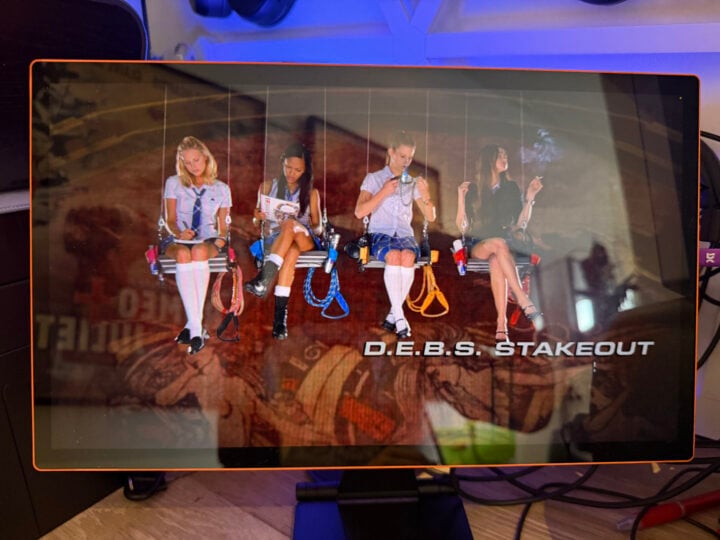
Watching an old film (D.E.B.S., one of the greatest films of all time) on it, the colours popped, the motion was appropriately smooth, and it generally looked excellent.
Watching a newer, fancier show, like Monarch: Legacy of Monsters, I can see that the blacks aren’t fully black, and there is some light bleed. This reinforces that this is an affordable portable screen for productivity and work travel.
You can technically play games on it, but the refresh rate is nothing to write home about, and the 9ms response time is lacklustre.
400 nits of brightness is plenty, so long as you don’t plan on working in full sunlight. I’m generally happy having it at 10 per cent brightness, and can count on one hand the number of times I’ve felt the need to crank the brightness to contend with bright rooms or parks. That said, I do like a dark screen, so your mileage may vary.
Portability
This screen is ridiculously portable. It’s so thin and light that it fits in the laptop section of my backpack with my MacBook Air and room to spare. It’s smaller and easier to transport than an iPad Pro with a keyboard case.
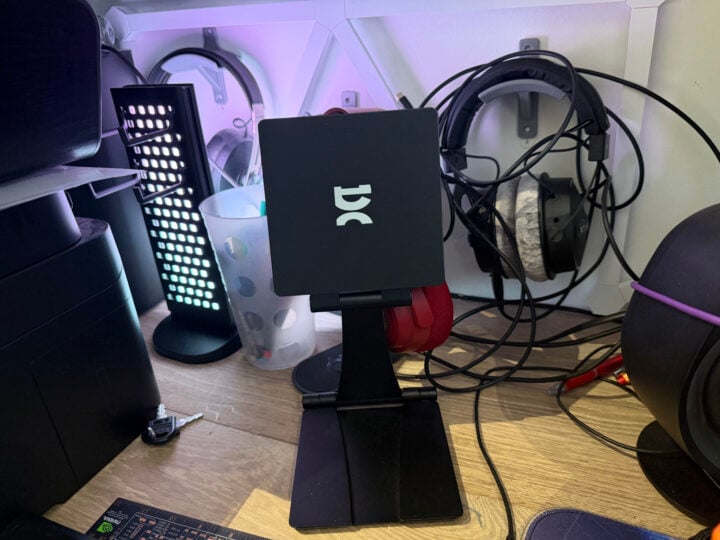
The stand is also quite versatile. I’ve seen people angling their stands to fit in the seat backs of trains to mount a second screen while in transit. While I prefer the Stand+ Pro because it’s able to get in more positions and reach higher while remaining stable, the Stand+ is extra portable and is fine to fit next to or above a laptop screen. It also folds up so small that it’ll fit in basically any bag.
Software
This is where I become less effusive. The software isn’t as intuitive as I’d like, and I have had problems with it in the past (though these bugs were usually fixed relatively soon after I reported them).
Espresso Flow is an essential tool to get the most out of your display, because you can set up Workspaces and use Jot with the touchscreen models, as well as get battery information. But it’s also just clunky. Like, it’s fine. It does the job well enough, and it hasn’t crashed on me in a while. I just look forward to a day when it’s better.
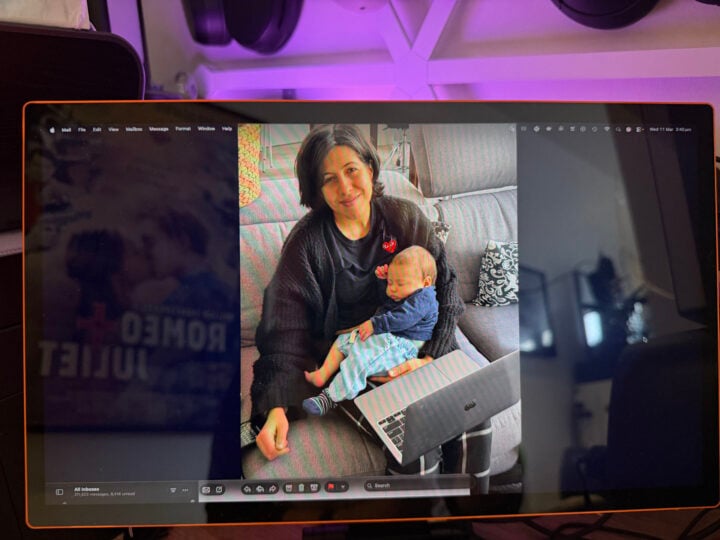
This is a nitpicking issue, and the software isn’t bad per se, it just doesn’t flow in the way my brain does. It’s a personal preference thing. There needs to be more view options, and I shouldn’t have to click so many things to get to the brightness adjustment and picture tone options.
The good news is that once you’ve used Flow to set up the screen how you’d like, you only have to deal with it to adjust brightness.
Who is the Espresso Lite 15 for?
This is an excellent portable screen for productivity. It could be the second screen at your desk, one that you use on the go, or to use in a hot-desking situation. It’s just so easy to take around with you.
It’s a fantastic no frills option — it doesn’t do the fancy stuff like 4K, high refresh rates, OLED or support touch inputs. But what it does do is make spreadsheets, Slack, Google Docs, and emails look good. It also fits in your bag without breaking your back, and it costs (marginally) less than $400. Really, what more could you ask for?
I love the Espresso Lite 15 and strongly recommend it to people who need a basic but good portable screen.
GadgetGuy occasionally uses affiliate links and may receive a small commission from purchased products.
The post Espresso Lite 15 review: The perfect entry-level portable monitor appeared first on GadgetGuy.


0 comments:
Post a Comment