
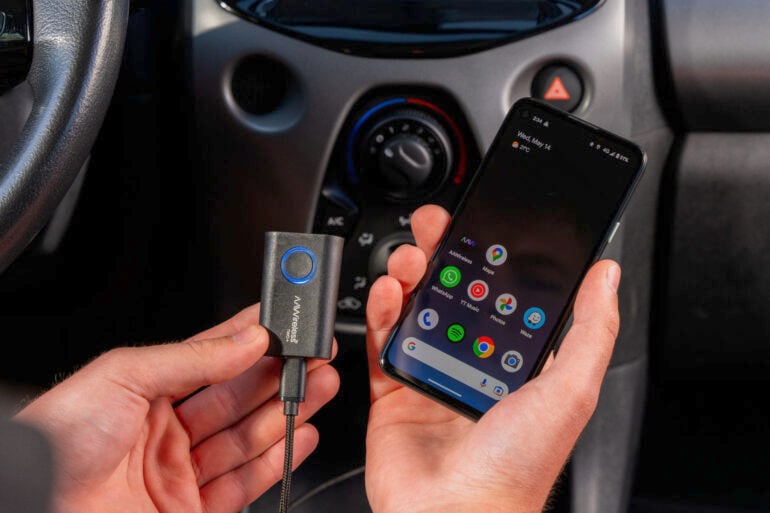
Apple CarPlay and Android Auto are increasingly popular technologies that make connecting phones and cars easy. But many vehicles still rely on annoying wired connections, and many adapters tend to support either CarPlay or Android Auto, but not both. With the latest AAWireless wireless adapter, both problems are now a thing of the past.
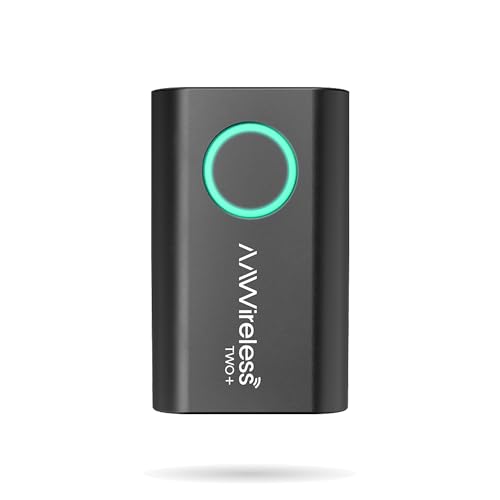
Considered one of the best Android Auto adapter brands, AAWireless now has a device that supports both Android and Apple phones: the AAWireless TWO+.
But before we get into that, let’s explain what CarPlay and Android Auto actually do. There’s a reason more people demand these technologies when buying a car.
For those with older cars using wired technology, a wireless adapter is exactly what you need to ensure convenient and safe access to your phone while on the road.
What are Apple CarPlay and Android Auto?
CarPlay and Android Auto bring the smarts of your phone to your car. They’re built-in technologies that enable quick and easy connectivity between a vehicle’s infotainment system and a handset. This means safe and convenient access to your phone’s apps, including maps, music, and calls.
As their names suggest, CarPlay is for Apple devices, while Android Auto works with Android devices. Both technologies provide similar functionality in natively pairing a phone with a car.
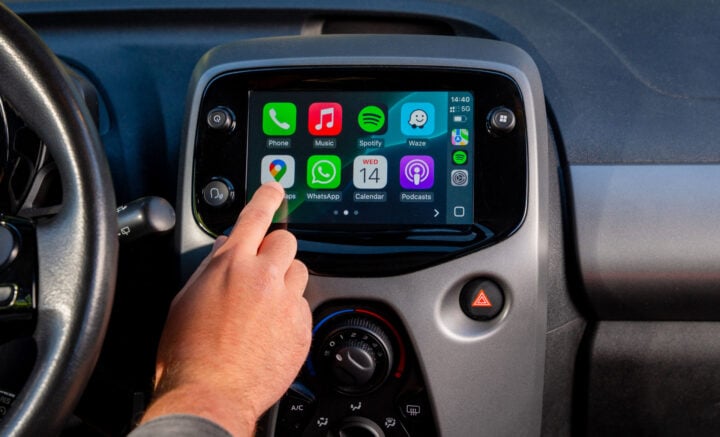
So helpful is this level of connectivity, that a growing number of people not only regularly use CarPlay or Android Auto with compatible cars, but the technology is increasingly viewed as a must-have when buying a new vehicle.
Before CarPlay and Android Auto entered the scene, in-car connectivity relied on carmakers implementing their own methods. Many of which weren’t reliable or were painfully complex to set up.
Wired vs wireless: what’s the difference?
Both Android Auto and CarPlay have been around for more than a decade now. Especially in those early days, most cars with the technology only supported wired connectivity.
While plugging in a cable works fine, it adds another layer of friction. You first need to find a compatible cable, check whether it’s long enough, and find a way for it to fit without cluttering up the car.
Plus, each time you enter or exit a vehicle, you need to remember to attach or remove a cable from your phone. It’s an annoying process to repeat when there’s a much more convenient method available.
Wireless Android Auto and CarPlay, on the other hand, are much quicker and handier. You can leave your phone in your pocket, get rid of unsightly cables, and connect to the car’s infotainment system automatically without even thinking about it.
Some more modern, often pricier, cars support wireless CarPlay and Android Auto natively. But, unless you’re already considering an upgrade, it’s unlikely that you’ll get a new car just to enjoy better phone connectivity.
Fortunately, wireless CarPlay and Android Auto support can be added to existing cars via a simple adapter. It’s much cheaper than buying a new car!
Which cars need an adapter?
Most cars sold in Australia before 2020 don’t include wireless CarPlay and Android Auto. Many of them have CarPlay or Android Auto, but the majority rely on a wired connection.
Even many of the latest cars have either limited or no support for wireless phone connection. One of Australia’s most affordable cars, the MG3, only supports wired CarPlay and Android Auto.
Some of the country’s best-selling cars don’t support wireless connectivity, either. Among them are the Hyundai Kona and the Mazda CX-5, the latter of which only includes wireless CarPlay and Android Auto if you upgrade from the base model.
Then you have cars that support one technology wirelessly, but not the other. For example, the Suzuki Swift Hybrid has wireless CarPlay, but only wired Android Auto support.
It’s frustratingly tricky to find a reasonably priced car that includes all the technologies you want. At least an affordable adapter means you can get the car you want without worrying about its wireless support.
How does a wireless adapter work?
To get wireless CarPlay and Android Auto up and running in your car, you have two main options. One is to install an aftermarket system, which can be a costly exercise. The other is to simply install a wireless adapter into your car’s existing USB port.
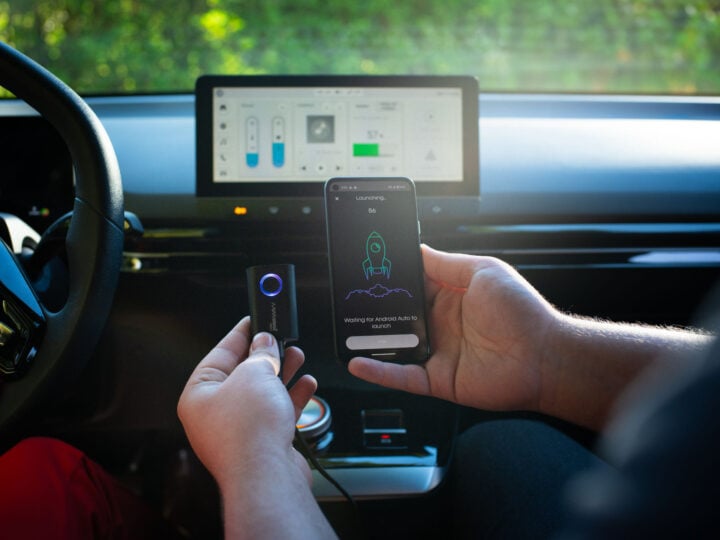
With the right adapter, like the recently released AAWireless TWO+, it’s as simple as plugging it in and connecting your phone. No tech expertise is needed, nor any fiddly, long-winded setup process.
Once connected, the adapter talks to your car’s infotainment system and your phone. Without any cables to worry about, you can keep your phone in your pocket and just use the infotainment system as you normally would, albeit with convenient access to your phone’s apps, music, and podcasts.

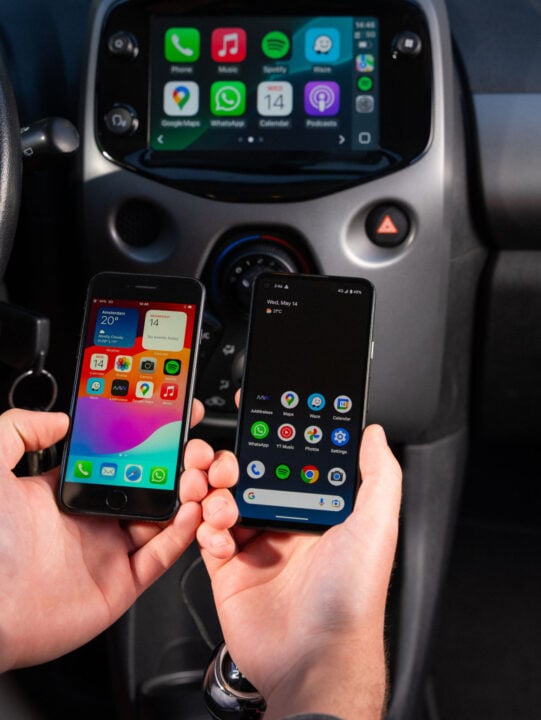
It doesn’t matter if you have a different type of phone from your family and friends, either. The AAWireless TWO+ supports both CarPlay and Android Auto, converting any car’s wired system into a completely wireless solution.
If multiple people share the same car, or you want to hand over DJ duties, pressing the adapter’s button quickly swaps between different phones. Once paired, phones connect to the adapter automatically, so you don’t even need to think about it.
If you only need wireless Android Auto connectivity, then the AAWireless TWO is a great alternative. It functions pretty much the same as the TWO+ model, only it’s specific to Android devices and can be bought slightly cheaper.

Why choose an AAWireless adapter?
Based in Europe, AAWireless is one of the original producers of high-quality wireless CarPlay and Android Auto adapters. The brand was the first to bring these adapters to the mass market, crowdfunding more than a million dollars, and establishing a strong demand for the technology.
Hundreds of thousands of users around the world trust AAWireless adapters for their quality and reliability, especially for solving an issue faced by many motorists: a lack of in-car wireless phone connectivity.
Many cheap imitators have popped up since, but none do the job as well as an AAWireless adapter.
In Australia, AAWireless adapters are sold through Amazon. For more information, visit the AAWireless website.
GadgetGuy occasionally uses affiliate links and may receive a small commission from purchased products.
The post Wireless CarPlay and Android Auto: What it is, how to get it in your car appeared first on GadgetGuy.


0 comments:
Post a Comment