
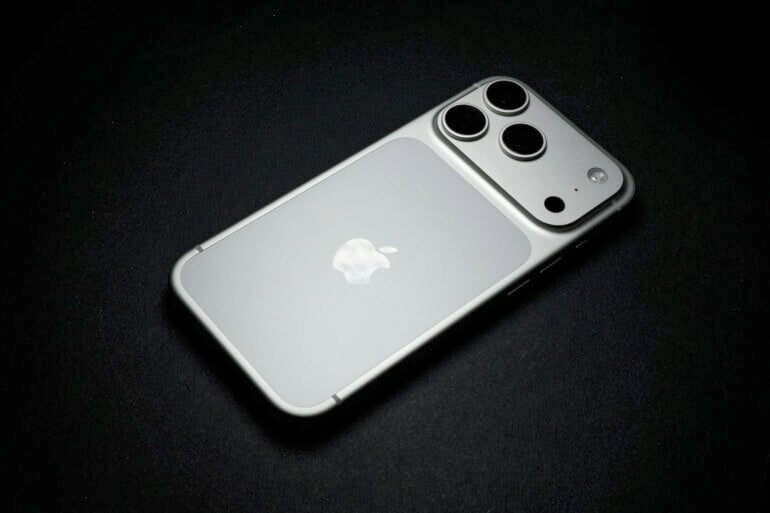
Apple has launched its latest iPhone software update, iOS 26.4, and there’s good reason to be excited. Yes, it includes some fun things, like delightful new emojis, but there’s one addition I’m particularly pleased about.
Buried in the patch notes is this rather innocuous change:
“Purchase Sharing lets adult members in Family Sharing groups use their own payment method when making purchases, without relying on the family organiser.”
Halle-bloody-lujah.
Since I finished high school, I’ve always owned an iPhone. My parents have iPhones, and so does my younger brother. For years, we’ve used Apple’s Family Sharing feature, letting each other access apps and subscriptions without needing to make separate purchases.
However, because this was set up using my mum’s account, all purchases automatically came from her bank account. Despite trying various workarounds, we eventually resigned ourselves to this annoying centralised payment system. Any time one of us (usually me or my brother) wanted to buy an app, we’d send a quick message or call mum to let her know, accompanied by a bank transfer of the app’s cost (despite her protests).
Now, with iOS 26.4, I can finally pay for apps using my own debit card, instead of constantly paying back the bank of mum.
Apple also claims that iOS 26.4 has “improved keyboard accuracy when typing quickly”. I don’t know about you, but I feel that making typos on an iPhone keyboard is easier than ever. This YouTube video somewhat vindicated my suspicions, so I’m hoping the new update makes the typing experience better.
Apple’s iPhone update also introduces an AI prompt playlist feature in Apple Music, similar to what Spotify recently added. Better video support is also coming to Apple Podcasts, along with various other additions.
iOS 26.4 release notes
When you go to update your iPhone (Settings > General > Software Update), here are the iOS 26.4 patch notes that appear:
Apple Intelligence
- Live Translation in Messages automatically translates incoming texts, including group messages, and sends a response in your preferred language so it arrives already translated
Apple Music
- Concerts helps you discover nearby shows from artists in your library and recommends new artists based on what you listen to
- Offline Music Recognition in Control Centre identifies songs without an internet connection and delivers results automatically when you’re back online
- Ambient Music widget for Sleep, Chill, Productivity and Wellbeing brings curated playlists to the Home Screen
- Full-screen backgrounds give album and playlist pages a more immersive look
Accessibility
- Reduce bright effects setting minimises bright flashes when tapping on elements like buttons
- Subtitle and caption settings are available from the captions icon while viewing media, making them easier to find, customise and preview
- Reduce Motion setting more reliably reduces the animations of Liquid Glass for users sensitive to onscreen motion
This update also includes the following enhancements:
- Support for AirPods Max 2
- 8 new emoji including an orca, trombone, landslide, ballet dancer and distorted face are available in the emoji keyboard
- Freeform gains advanced image creation and editing tools, and a premium content library, joining Apple Creator Studio
- Mark reminders as urgent from the Quick Toolbar or by touching and holding, and filter for urgent reminders in your Smart Lists
- Purchase Sharing lets adult members in Family Sharing groups use their own payment method when making purchases, without relying on the family organiser
- Improved keyboard accuracy when typing quickly
It’s a reasonable list of features and improvements, with many of them also coming to iPad and Mac.
The post iOS 26.4 is here, and it fixes one of my biggest iPhone annoyances appeared first on GadgetGuy.


0 comments:
Post a Comment