
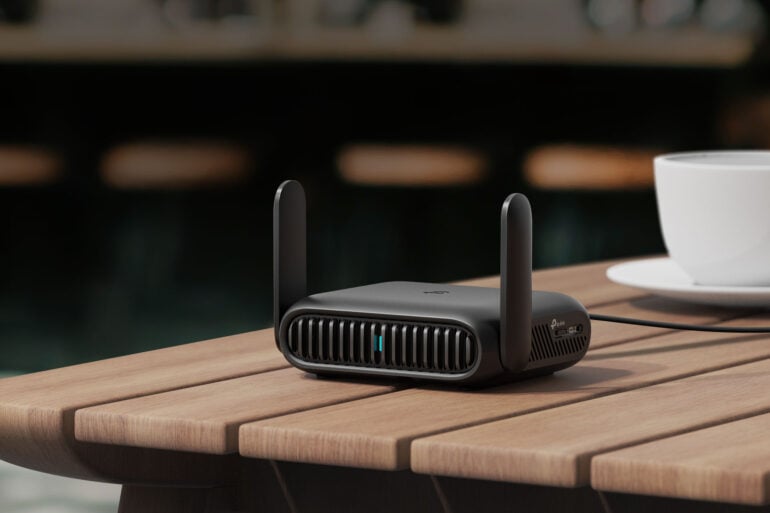
Having access to safe and reliable internet is now just another normal part of travelling. Whether it’s work or a holiday, you need that online connection to do everything from booking tickets to managing your budget, and more. And of course, you know public Wi-Fi can be incredibly dodgy, safety-wise. Which is where a travel router like TP-Link’s Roam 7 comes in.
A travel router is designed to connect your devices – that’s devices plural – to public Wi-Fi, whether that’s in a hotel, airport, local shopping centre, or somewhere even sketchier. The router cuts that risk way, way back, and it makes using your gear more convenient too.
TP-Link’s Roam 7 is a great example of a travel router, thanks to its multiple modes and robust set of security features. It’s one of the best ways to access the internet on the road.
Public Wi-Fi isn’t always safe
It’s always best to assume that public Wi-Fi is never safe, but even if some places ARE okay, there are just too many opportunities for malicious actors to mess with your network access.
You have no control over a public Wi-Fi network, and no way of seeing what else is connected. The data you send over that network isn’t private and could be intercepted. As for free internet in general? Well, you know what they say: if you’re not paying for it, you’re the product. An undefended device can end up spammed with ads, infected with adware, or worse.
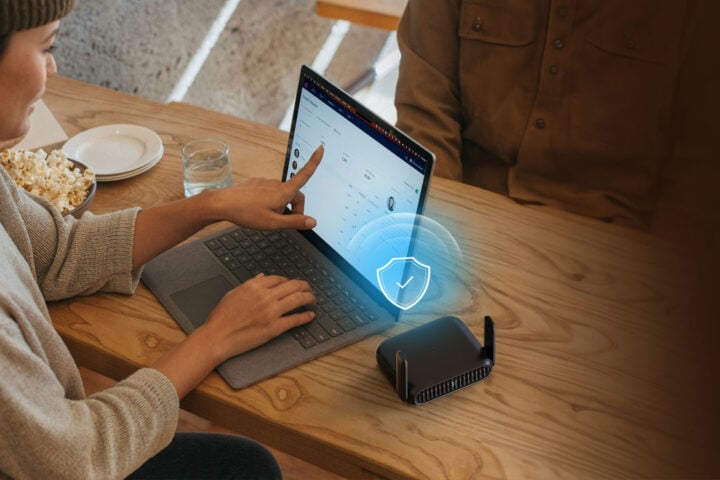
That’s the security side of things, but the other frustration with public Wi-Fi is having to set up a new connection for each one of your devices. Phone, tablet, laptop, maybe a camera too – it’s a pain. And speaking of cameras or game consoles, these devices might struggle to connect at all, because they can’t access the custom login screens that some public and hotel Wi-Fi networks use.
Yes, you can use your phone as a hotspot, and bypass public Wi-Fi for a much more secure private data link via your mobile data provider or their overseas partner. But this almost always gets really expensive, really fast.
Anyway, you don’t need to give up on public Wi-Fi to stay safe and juggle multiple devices. This is where a travel router comes in.
How a travel router solves the problems of public Wi-Fi
A travel router like the TP-Link Roam 7 can massively boost the security of your connection, by sitting in between your device and the public Wi-Fi network. But it’s not just about security: a travel router lets you connect multiple devices, all through a device YOU own. Routers like the Roam 7 take connections from your phone, tablet, laptop, and of course the devices of anyone you’re travelling with.
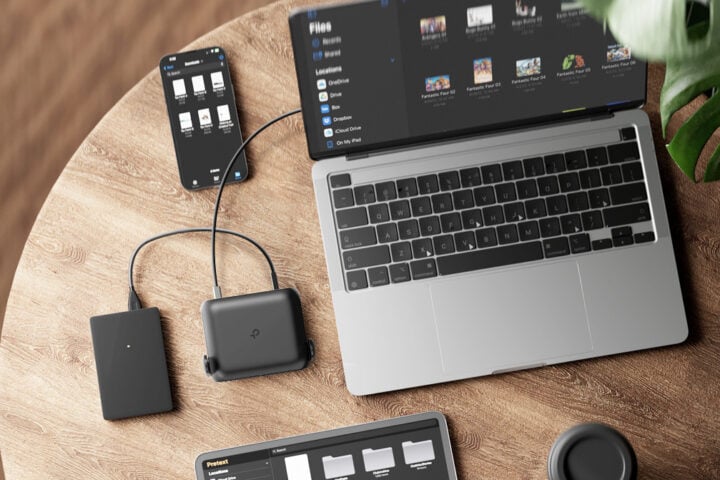
Think of it as a gateway between public networks and your devices. It doesn’t have to be Wi-Fi only, either. Some hotels provide an Ethernet connection: plug that in to the router (if it has an Ethernet port, like the TP-Link Roam 7 does) and you’re away. In either case, the router keeps your devices from connecting to an unsecured network directly, and adds in the layer of security – and anonymity – public networks lack.
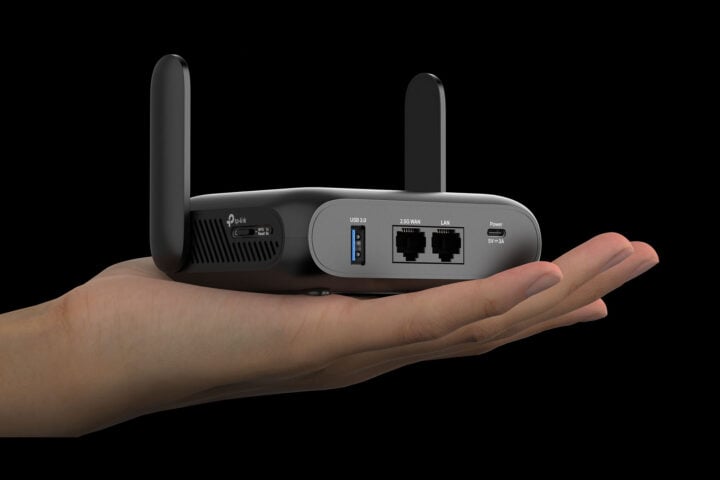
Travel routers like the Roam 7 are compact (13 x 9.3 x 3.8 cm); they just slip into a pocket of your luggage like any other device. So you can take them on any sort of travel.
A travel router for work, play and everyday
If you’re travelling for work, the router is going to come in handy at the airport and when using hotel Wi-Fi. Or anywhere you need to connect your laptop to data – and maybe your phone too if you’re trying to save on roaming costs.
When you’re on holiday, meanwhile, it’s the multi-device functionality that really makes a travel router worthwhile. TP-Link’s Roam 7, for example, can connect up to 90 devices at once. This makes it ideal for even a large family travelling together, everyone with their own phones, second screen, cameras, and maybe a games console or two.
Also, it’s worth mentioning, you don’t have to actually be travelling to get benefit from a travel router. Even down your local shopping centre or at your local library, a device like the Roam 7 can be a boon for both security and flexibility.
So just to recap, the main benefit of a travel router like the TP-Link Roam 7 is threefold:
Security: The router creates a private network, using the latest security protocols, and it sits between your device and the public internet.
Privacy: The router can support use of a VPN for an extra layer of privacy, and encrypt your online activity, making it virtually impossible for anyone else connected to the same public network to see your activity or intercept any of your personal information.
Flexibility: You connect the travel router to the public network one time. Then you can connect as many of your devices as you like to the travel router. No repetitive signing in or fiddling with Wi-Fi details and passwords.
How TP-Link Roam 7 solves travel Wi-Fi
Not all travel routers are created equal, of course, which is why the TP-Link Roam 7 keeps getting mentioned in this article. It’s a powerful Wi-Fi 7 router, but in a form factor that you can easily take anywhere.
Since it’s Wi-Fi 7, the Roam 7 can give you up to 3.6Gbps of combined speed, across 5GHz and 2.4GHz bands. Sure, your average public free network is nowhere near that fast, but that’s changing. Speeds at the Jannah Burj Al Sarab hotel in Abu Dhabi, for example, are up to 1.2Gbps Wi-Fi. Yeah, that’s an outlier, but it’s the shape of the future, and it’s coming faster than you think. So why not be ready?
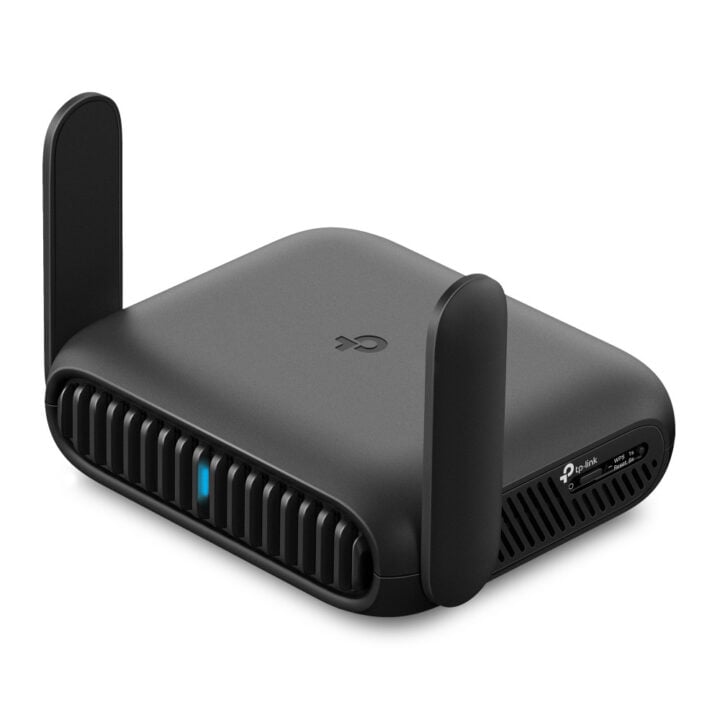
The Roam 7 also prioritises versatility. Along with Wi-Fi, there are two Ethernet ports (including a high-speed 2.5G WAN port). This means you can use hotel Ethernet and a wired device at the same time, or two wired devices with the Roam 7 connected via Wi-Fi. There’s also a USB 3.0 port for sharing files from a hard drive or tethering mobile data from your phone/cellular modem. Plus, a USB-C power port lets you run it off a power bank.
When it comes to security, the Roam 7 is locked down tight, which gives you peace of mind on the road. It also supports VPNs including OpenVPN and WireGuard.
And the Roam 7 handles all your devices, no matter how overstuffed your gadget bag is. Okay, the limit is 90 simultaneous connections, but if you’re maxing that out? Just buy a second router for 90 more!
Make a travel router your suitcase staple
For work and play, a travel router is the smart way to access internet away from home. And not just for travel – any time you need to connect to a public network of some kind and can’t be guaranteed of a safe and secure connection otherwise.
The TP-Link Roam 7 brings enough security, customisation, and versatility, to turn any hotel room into an internet-connected home office, or even just an entertainment and chill hub, like your living room. Having safe and reliable internet away from home is a must. That’s why your travel router should be one of the first things you pack.
Learn more about the Roam 7 via TP-Link’s Australian website.
The post Why a travel router is essential for your next trip appeared first on GadgetGuy.


0 comments:
Post a Comment