
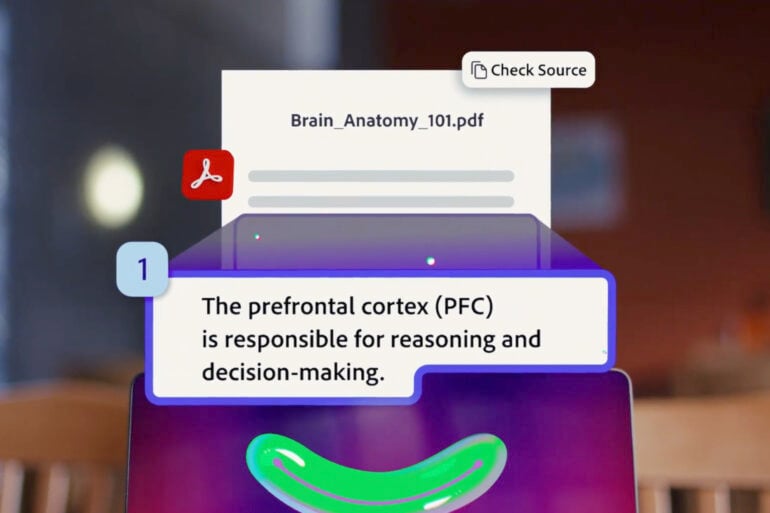
No one student studies the same way, which is a big reason behind Adobe’s new Student Spaces feature in Acrobat. It’s like an AI assistant made specifically for study sessions that can go over notes and present them in different ways to suit personal learning styles.
Available online as a free beta tool, Student Spaces in Acrobat lets you upload documents, like textbook readings or study notes, so the AI can generate resources specific to your subjects. Via text prompts, students can then use the AI tool to produce flash cards, quizzes, and other study materials.
Not limited to just text-based outputs, Adobe’s new feature can also generate podcast-like audio summaries of uploaded documents, or a video summary for visual learners. Adobe is also keen to make it a collaborative learning tool, letting study groups work together in Student Spaces and share materials
Student Spaces is one of the latest AI tools that uses a technique called ‘Retrieval-Augmented Generation’ (RAG). It combines large language models (LLMs) with uploaded information that bases responses on your own data, as opposed to giving generic responses. Student Spaces is like Adobe’s student-focused answer to Google’s NotebookLM, which uses similar techniques.
As with many AI-based technologies, it’s important to verify the information with official sources. Below the Student Spaces text prompt box is a disclaimer that says “AI responses may be inaccurate”. These tools can be helpful, but should be cross-referenced with official study materials to ensure accuracy.
With AI use increasing in learning environments, it will be interesting to see how Student Spaces fits within the bigger picture. Like with any tool, it’s how you use it that matters the most.
The post Student Spaces lets you quickly create study materials in Acrobat appeared first on GadgetGuy.


0 comments:
Post a Comment