
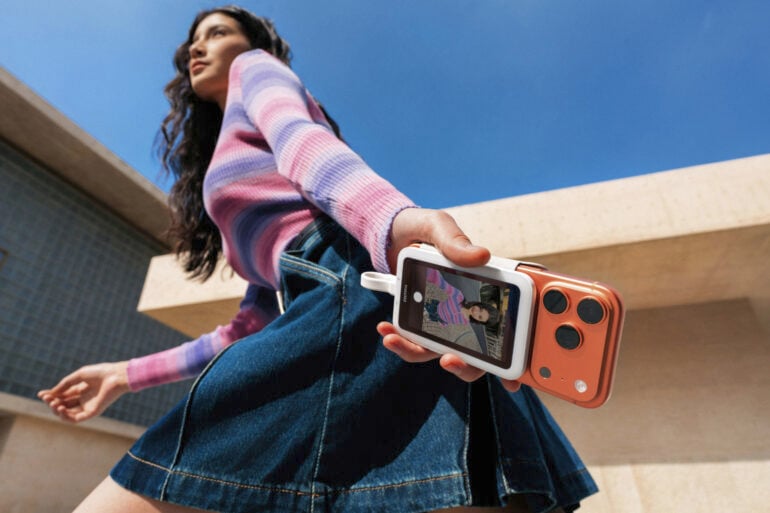
I’ve said it before, and I’ll keep saying it: the best camera is the one you have on you. For most of us, this is usually the cameras built into our phones. Many of the best phones have excellent cameras, but even they can benefit from a helping hand. Insta360 recently launched a novel accessory that could help you take advantage of your phone’s rear cameras: the Snap Selfie Screen.
Traditionally, the best cameras are the ones on the back of your phone. They’re great for taking pictures of pets, landscapes, and other people. Not so great for selfies.
A phone’s selfie camera is usually its weakest in terms of megapixel count and sensor size, so the quality takes a hit, particularly in low-light situations. But at least you can see yourself when taking a photo.
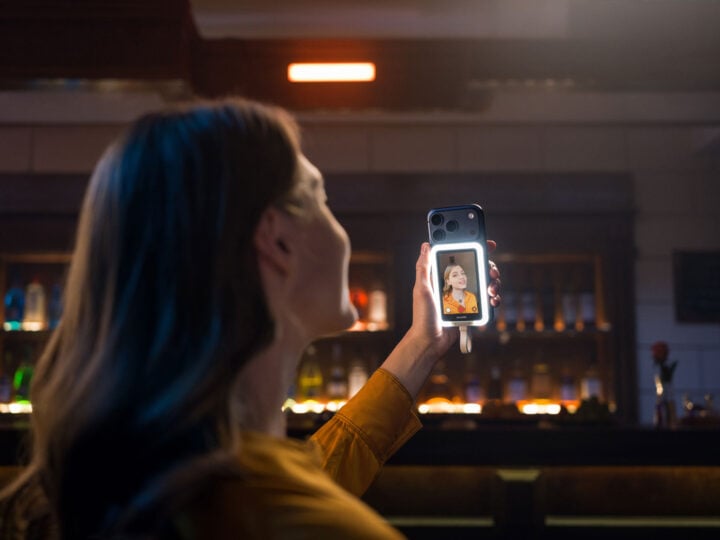
As an alternative, the Insta360 Snap Selfie Screen attaches to the back of a phone, letting you see a preview of what the rear cameras see. The idea is that you can take selfies and record vlogs with more control using your phone’s best cameras, and therefore get nicer images.
Insta360’s device takes the form of a 3.5-inch touchscreen that aligns using magnets. For recent iPhone users, that means taking advantage of the built-in MagSafe technology. Fortunately, the Snap Selfie Screen still works with Android phones via an included magnetic ring. It then uses a small USB-C cable to connect, displaying a preview of native and third-party camera apps.
In Australia, the Snap Selfie Screen costs $139.99, or $154.99 for a version with a built-in fill light. For those who don’t have the use (or budget) for a standalone camera with a built-in preview screen, like the Insta360 X5 or DJI Osmo Pocket 3, this could be a good (and cheaper) alternative.
The post Insta360’s slick Snap Selfie Screen upgrades your phone camera appeared first on GadgetGuy.


0 comments:
Post a Comment