
You know the place. The place in your house where the Wi-Fi doesn’t work properly. The back bedroom, the converted garage, or the spot at the turn of the stairs, where upon you waft daintily down, FaceTime stutters and ruins your entrance. It’s the place you’re not reading this from right now.
But ‘that place’ doesn’t just have to be a ‘feature’ of your house, and a TP-Link Deco 7 mesh system is one of the best ways to prove that.
What makes dead spots even more irritating these days is that your internet plan is almost certainly much faster than it was when you moved in. In September 2025, the NBN tiers all moved up: a great many 100Mbps plans became 500Mbps automatically, 250 became 750, and we finally got that 2Gbps tier those Californian types have always been so boastful about.
Whether any of it reaches the back bedroom is a different question, and it’s a question about your Wi-Fi rather than your internet. That’s where the TP-Link Deco 7 range comes in (to your house). And the range includes four distinct flavours, so you can easily work out which model is best for your particular architectural situation.
Getting up to speed with Wi-Fi 7 and TP-Link Deco 7
Wi-Fi 7 is the latest officially certified Wi-Fi standard. On paper, Wi-Fi 7 peaks at more than 40Gbps, roughly four times what Wi-Fi 6E managed. Of course, no home NBN connection is anywhere near that, so the number in the spec that actually matters for you is this: whether the Wi-Fi inside your house can carry the 500Mbps or 1Gbps you already pay for, all the way to the far end of the building, while everything else is running.
Not that we’re downplaying the 40Gbps max speed here. That is an impressive upgrade. But what matters right now for home users is that Wi-Fi 7 moves more data per second, gets more of it through your walls intact, and holds up the connection when a device wanders towards the edge of the network’s coverage. This should work with a lot of your older gear too, because Wi-Fi 7 is backwards compatible, though of course older kit is weird, so YMMV (your mileage may vary).
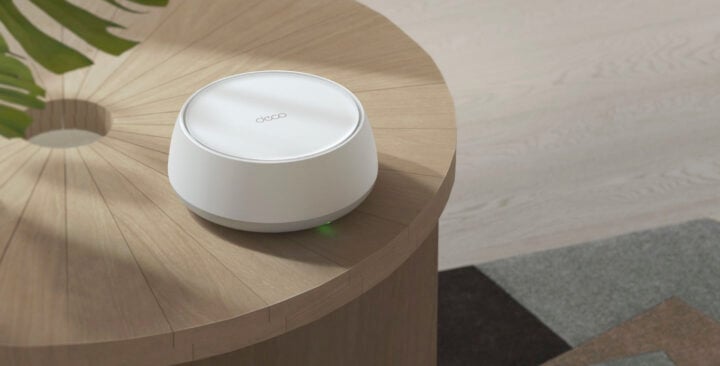
As for native Wi-Fi 7 gear, those devices are available now. Your newest phone almost certainly has Wi-Fi 7, and most new laptops do too. So, you might already have a houseful of Wi-Fi 7 devices, frustrated by a network that doesn’t know how to feed them properly.
You may also have read somewhere that Wi-Fi 8 is coming, and it is. It’s further off than the headlines suggest, though. Early hardware exists, but there’s no certified Wi-Fi 8 to buy for a whole house – from router all the way down to the gadgets, TV, washing machine, dog feeding station with buttons on it that your dog presses and the station dispenses food and sends you a photo of the dog eating it – and there won’t be for a while. Sure, you’ll be able to buy a Wi-Fi 8 router pretty soon, but Wi-Fi 7 is still the current generation, strictly speaking.
Why a TP-Link Deco 7 mesh beats a single router
Unless you love running long Ethernet cables, your router is one of the hardest-to-position bits of kit in your house. It has to go near where your NBN box or modem connects to the wall. Speaking of walls: the signal coming out of the router’s Wi-Fi transmitter hits every wall, and every wall absorbs or deflects or attenuates or does some other esoteric signal-processing thing to that signal. Which means bad speed on your wireless device.
Australian houses are notorious for blocking Wi-Fi. It could be the double brick, a slab between floors, the foil-backed sarking in the roof, or even your gigantic fish tank. By the time it reaches the back room, your 250Mbps NBN plan might feel more like 30. If you’re lucky.
A mesh system works differently. Instead of one Wi-Fi base unit (your router) trying to send and receive across the house, you put several units around the joint, and they cooperate, sharing a single network name. Your phone connects to whichever is closest, and that mesh unit hands the phone over to the next, as you move around. With the old-school extenders, your phone had to drop the weak signal and pick up the strong one. That gap is what ruined your entrance on the stairs (and made the FaceTime call stutter).
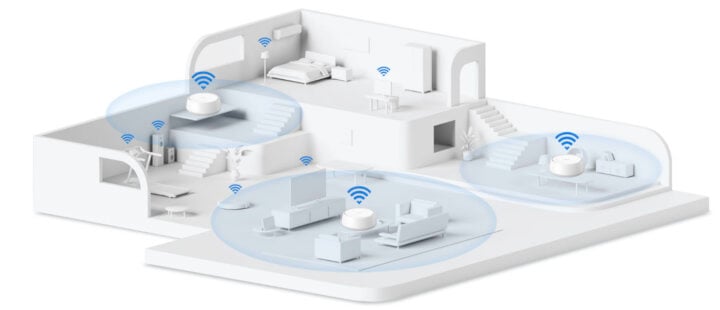
Choosing a TP-Link mesh kit gives you a couple of practical bonuses on top of that. Every TP-Link Deco 7 unit brings its own Ethernet ports, so if you’re hardcore, you can run ‘Ethernet backhaul’ and connect two mesh units physically. That’s the final beat for a persistent block on Wi-Fi signal, like a huge chunk of old steel girder in your warehouse conversion.
And of course, if you need your network to expand, you just add another matched mesh unit. It doesn’t even need to be the exact same kind; TP-Link’s Deco mesh units work with each other, no matter which part of the range they come from.
Unpacking the TP-Link Deco 7 range
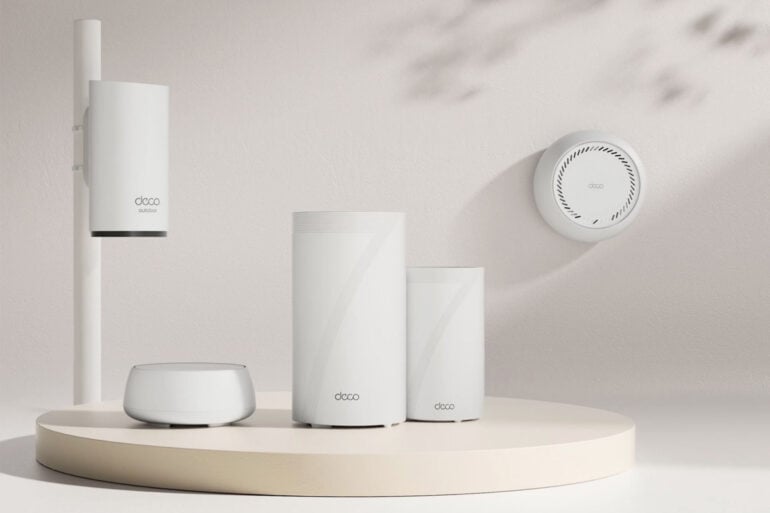
Speaking of, the TP-Link range splits into four tiers, and they match.
Deco 7 is the entry point: dual-band, speeds up to 5Gbps and around 150 devices, which TP-Link describes as fast, reliable Wi-Fi 7 for everyday homes. That’s the apartment, the townhouse, the single-storey three-bedroom place where getting signal everywhere is easy.
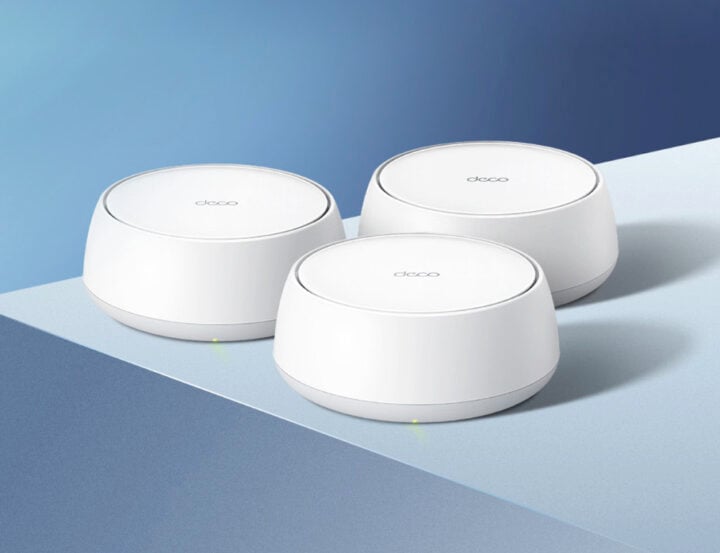
Deco 7 Pro adds the 6GHz band, making it tri-band, with speeds up to 10Gbps and around 200 devices. That extra band is what helps eliminate dead spots and dropout in a multi-storey home. If your house has stairs and a recurring argument about who’s ‘hogging the internet’, this is your tier.
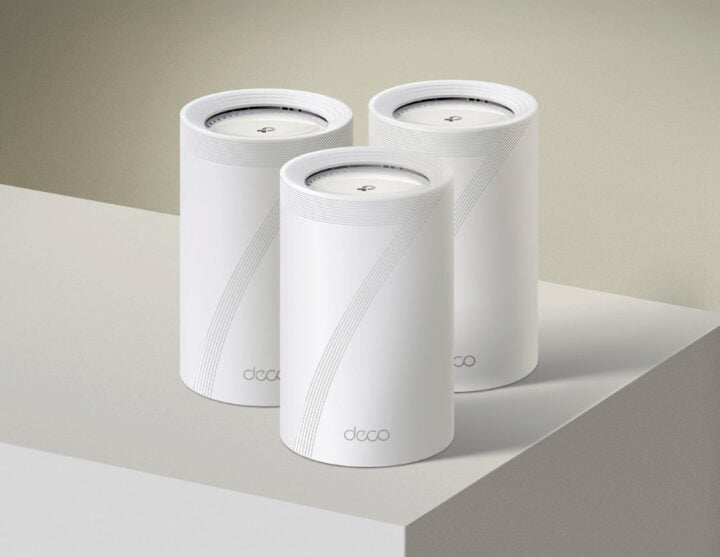
Deco 7 Elite sits at the top, and TP-Link calls it its most powerful Wi-Fi 7 mesh system. Speeds run to 20Gbps, device support goes past 200, and some models carry a second 6GHz band, for even more ruthless dropout-hunting. Ethernet on board is serious too, up to 10Gbps. That’s speed you can use, especially in a large home with a proper office, a NAS in the cupboard and someone who cares about latency.
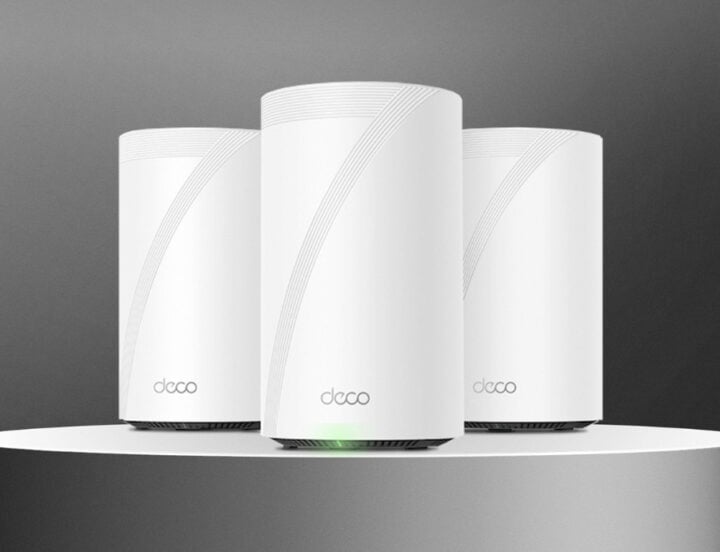
Deco 7 Outdoor fixes the problem none of the others can. It’s a dual-band unit built to live outside, so the patio, the shed or the granny flat joins the same network as the house. It works alongside the rest of the range, and it’s best for people with properties that need Wi-Fi up the end of the home paddock, or serious outdoor entertainers, or… actually, the list is pretty extensive.
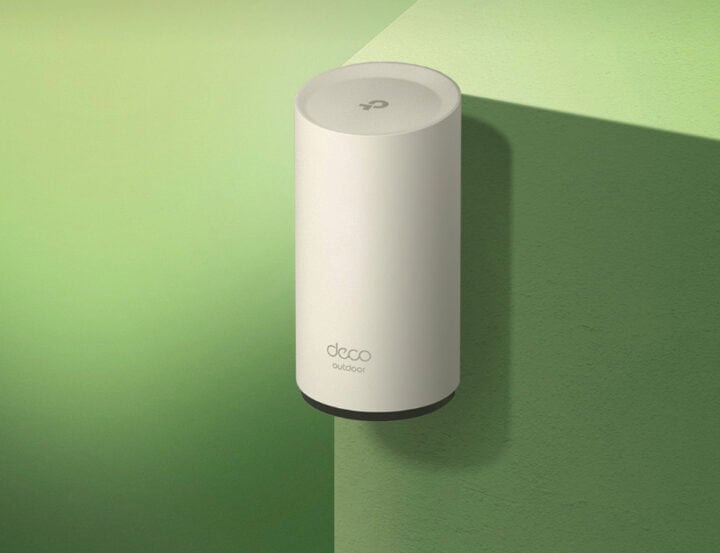
As mentioned, all these TP-Link devices, plus earlier mesh units too, work together. TP-Link’s advice today is to make a Deco 7 the main router. You get the latest internet-facing tech, and a Wi-Fi 7 foundation for later upgrades.
The final word
Wi-Fi 7 is finished and certified, many of the devices in your house may already be compatible with it, and Australian ISP speeds are finally humane. All that’s left is ‘fixing your Wi-Fi’, and a TP-Link Deco 7 system could be your ideal choice.
Here’s the thing. With a TP-Link Deco 7 Wi-Fi 7 system, you stop thinking about your Wi-Fi at all. Which, when it comes down to it, was always the entire point of Wi-Fi.
The post TP-Link Deco 7 powers the Wi-Fi 7 mesh upgrade you need appeared first on GadgetGuy.


0 comments:
Post a Comment